Movies System in Sngine
Sngine now comes with a new feature that enable admin to add movies and users can

Sngine now comes with a new feature that enable admin to add movies and users can search and watch movies online on your network (paid or free)
First you need to go to admin panel to enable it
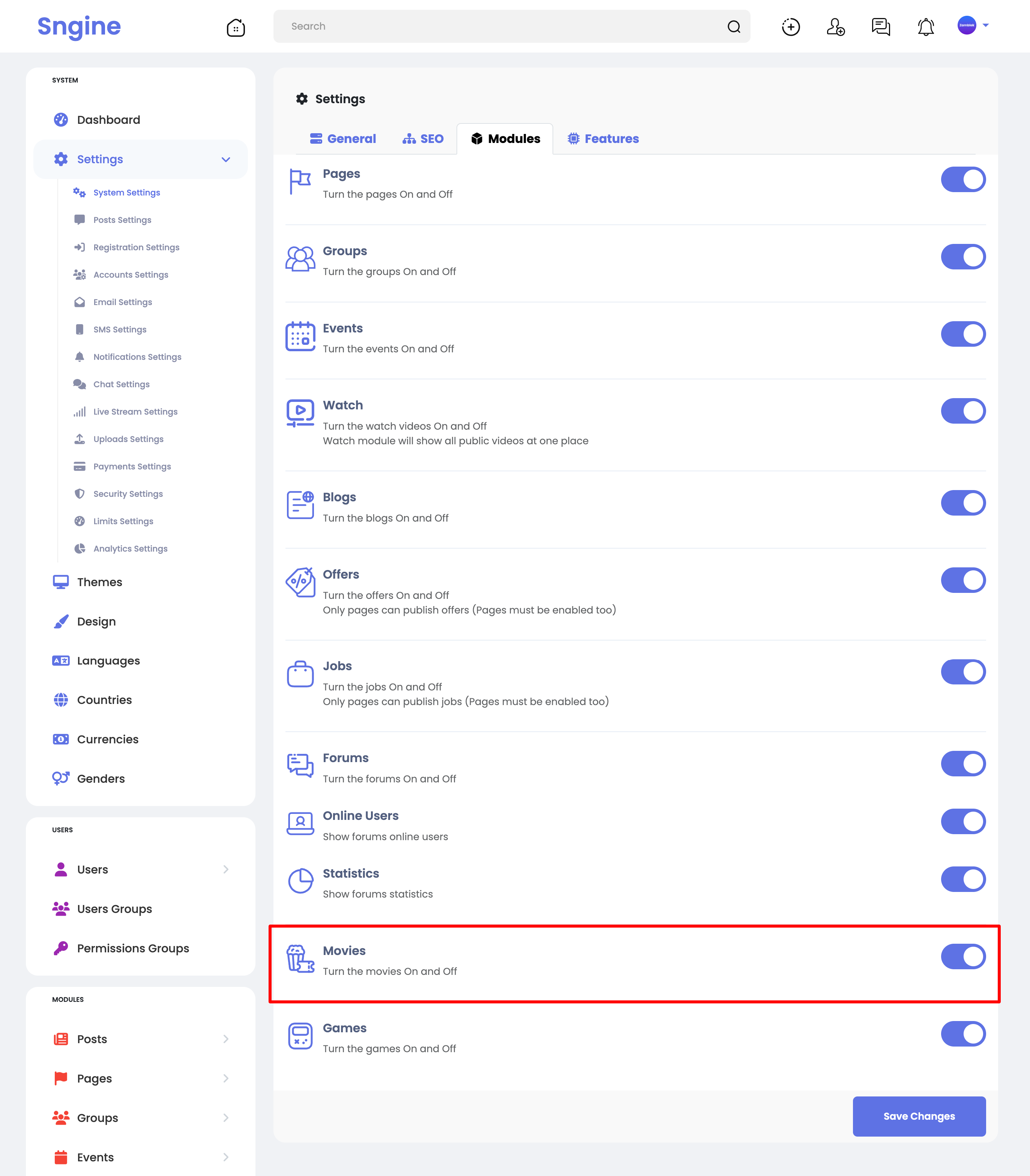
Then you can add new movies by doing:
A- Using links of movies from YouTube, Viemo or any direct movie link like
site.com/movie.mp4
B- Upload New Movies
Important Note about uploading:
Upload MP4 as other extensions even you enabled on admin panel -> uploads settings will not work
These extensions (AVI, MOV, MPEG, WMV) not support by browsers not from Sngine.
To learn more check this:
https://www.w3schools.com/html/html_media.asp

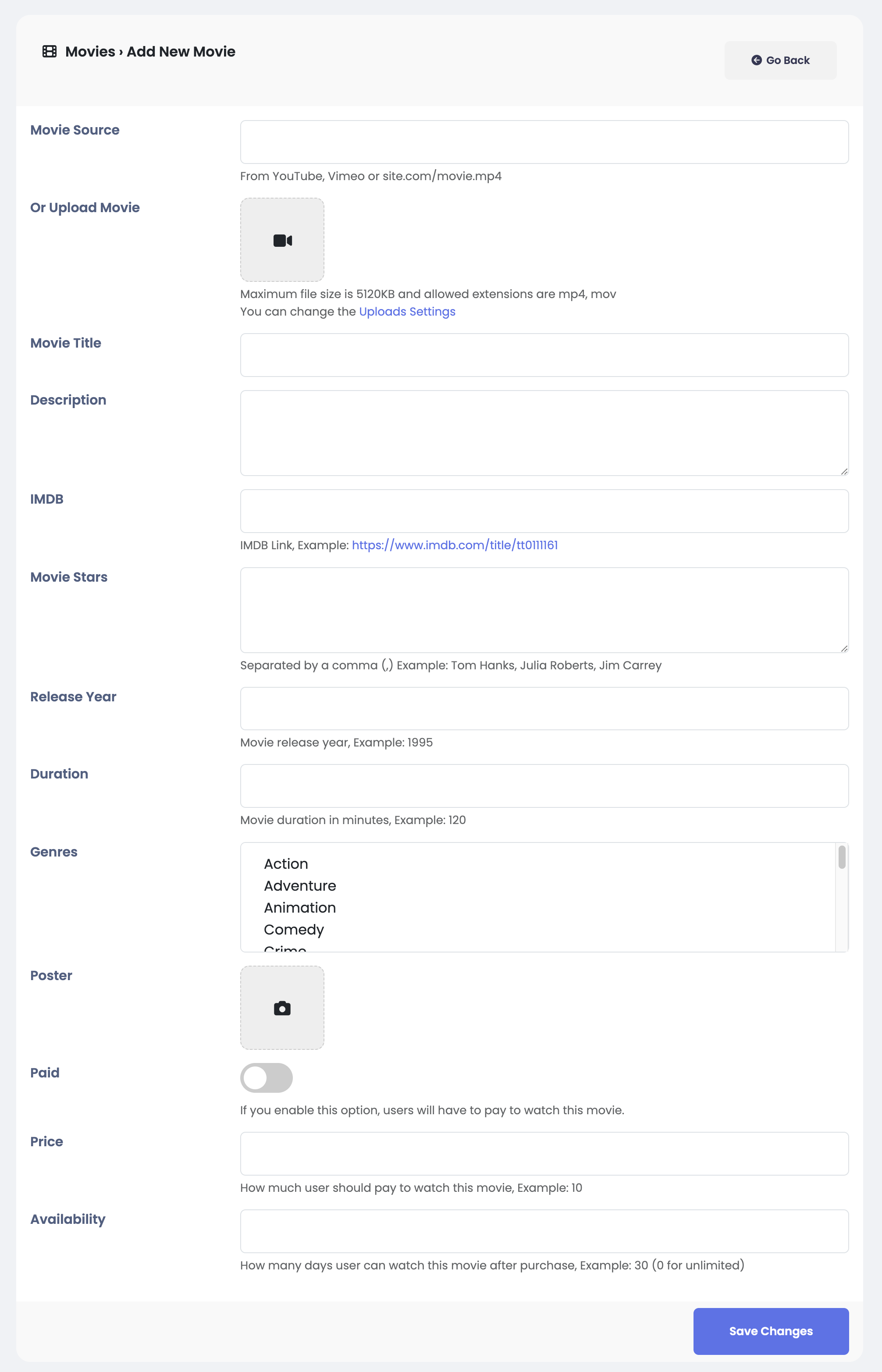
Sngine enable you to select multiple genres for the movie not only one
Also You can set movie as Paid and set the price and for how many days
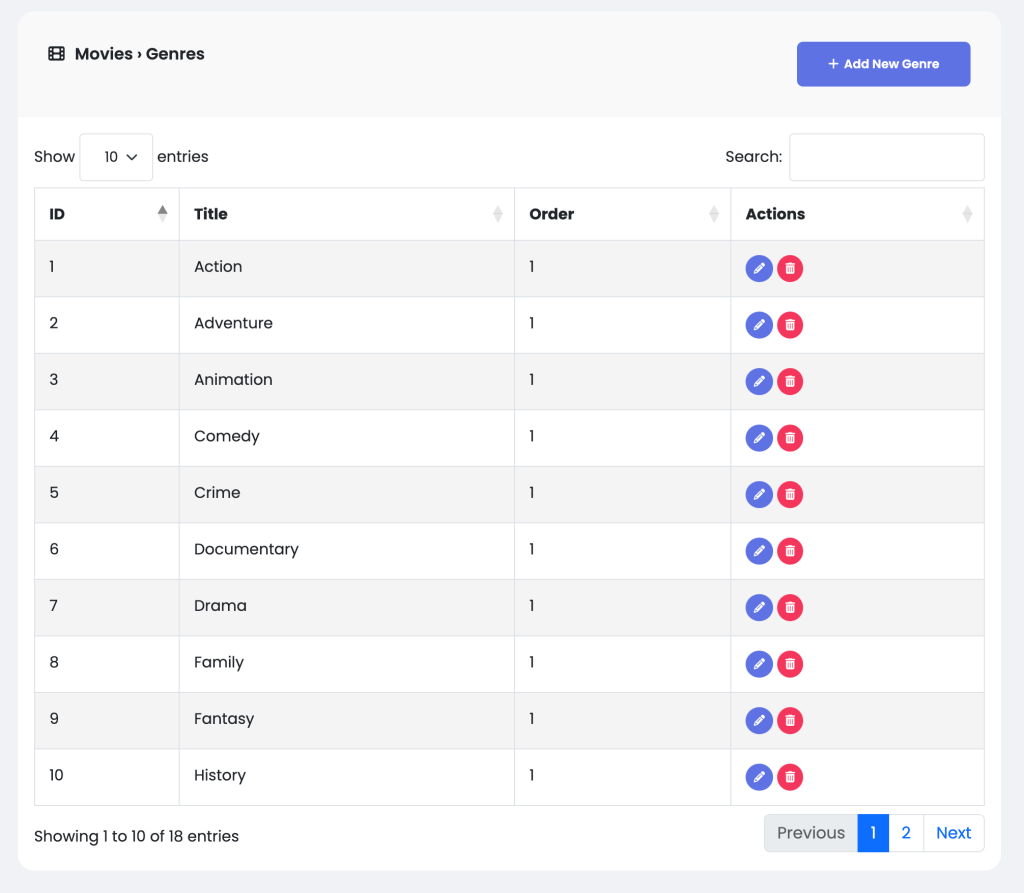
Also you can manage genres like add, edit or delete
Then users can go to your movies system from side menu
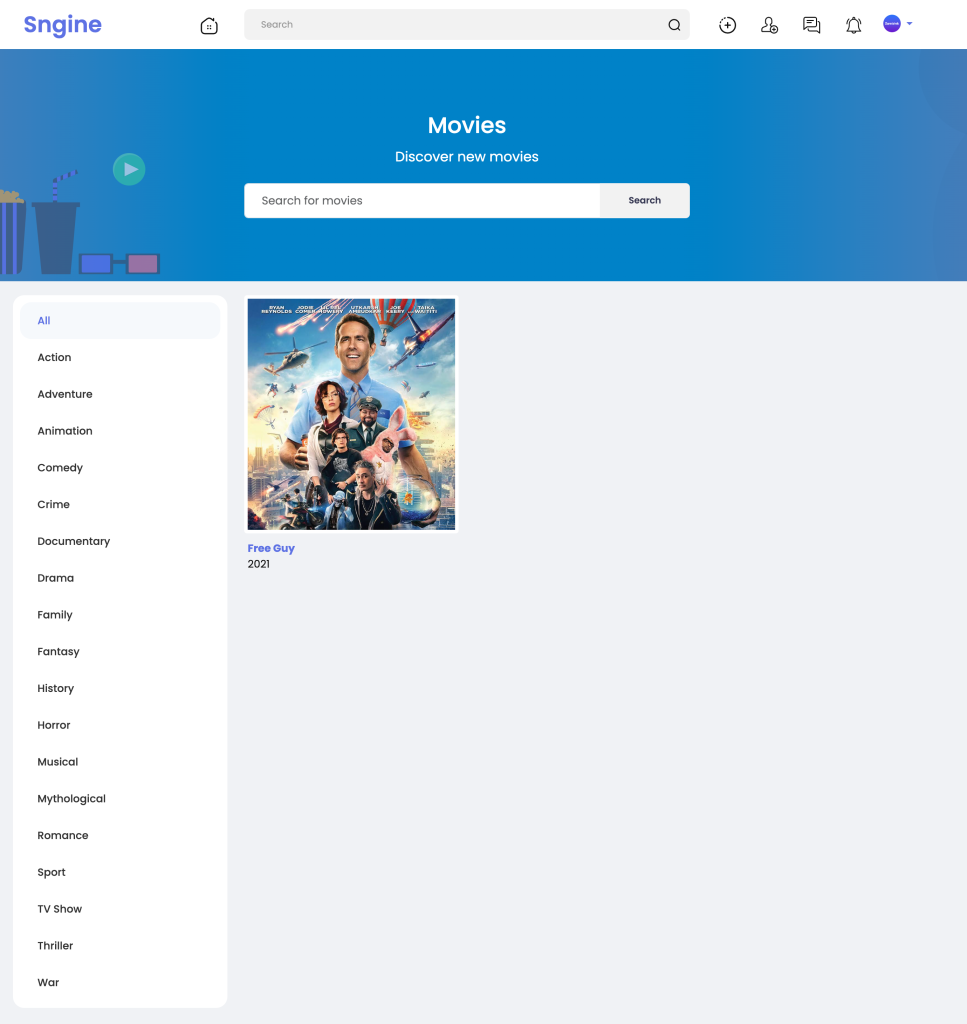
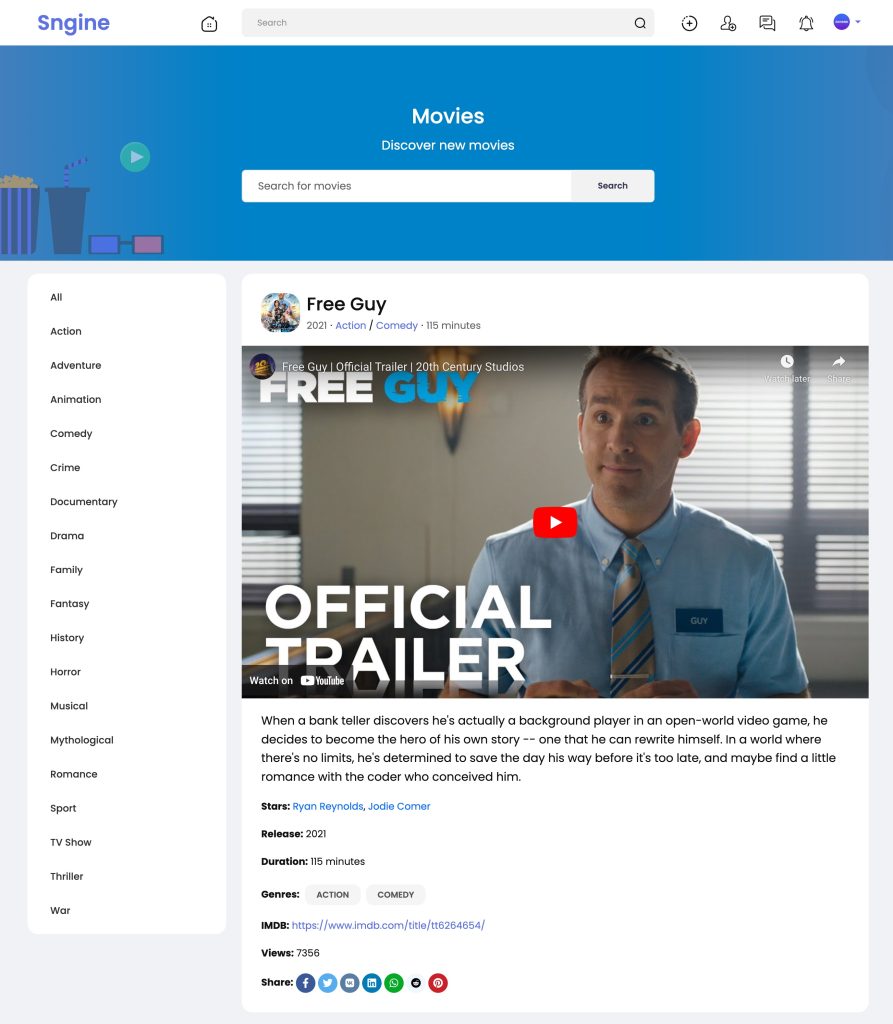
That’s it.
Happy Sngine 🙂
Buy Sngine or Extend your support: https://bit.ly/BuySngine
Articles connexes
Premiers pas, Conseils et tutoriels
How Sngine Helps Combat Spam
 Zamblek
3 min de lecture
Zamblek
3 min de lecture
Premiers pas, Conseils et tutoriels
How To Set CORS Policy For Google Cloud Bucket?
Zamblek
1 min de lecture
Premiers pas, Conseils et tutoriels
New Google Playstore’s 12 Testers Policy for Production Release
Zamblek
1 min de lecture