بواسطة kanukp





Sngine Pro Event Tickets Plugin 🎟️ Version: 1.0 Developed by: Erghy.com About the Plugin Sngine Pro Event Tickets is a powerful event management and ti
بواسطة erghycom
$36.00
Sngine Pro Event Tickets Plugin 🎟️
Version: 1.0
Developed by: Erghy.com
About the Plugin
Sngine Pro Event Tickets is a powerful event management and ticketing solution built specifically for Sngine. It enables community owners and event organizers to create events, sell tickets, manage attendees, and verify entry using secure QR code technology—all fully integrated with Sngine's existing ecosystem.
Whether you're organizing conferences, concerts, workshops, meetups, or private events, this plugin provides everything you need in one seamless experience.
---
Key Features
Event Management
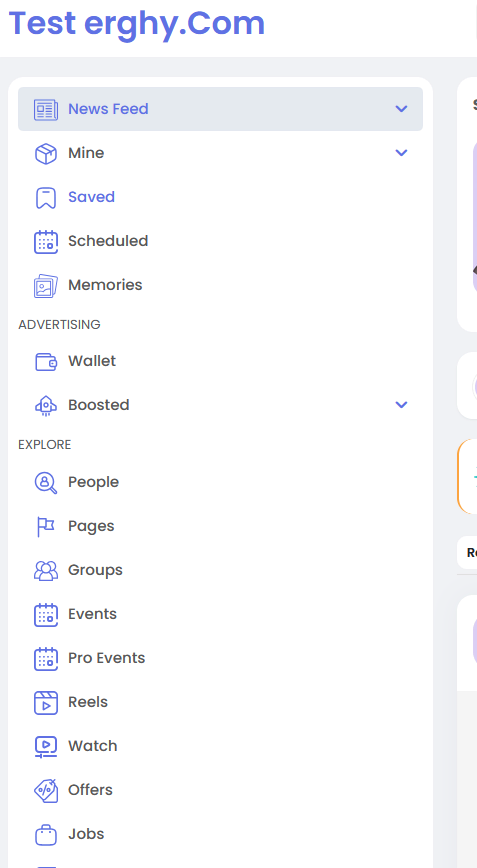
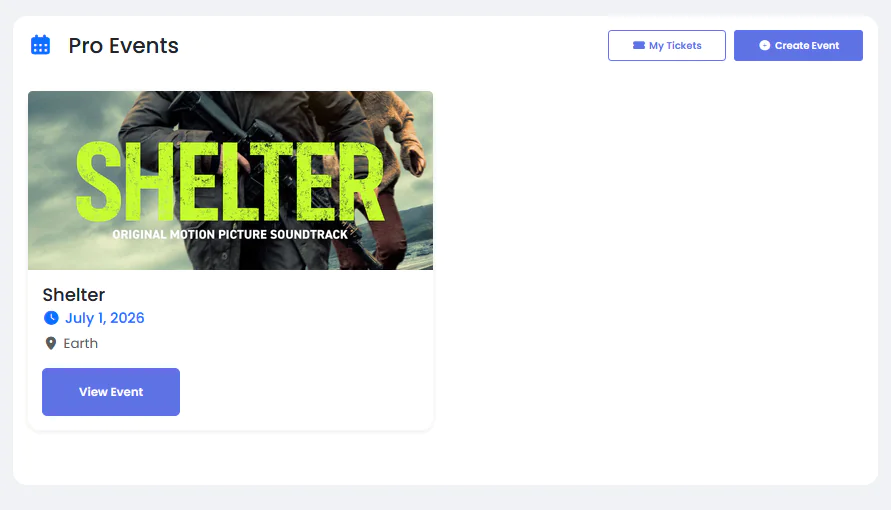
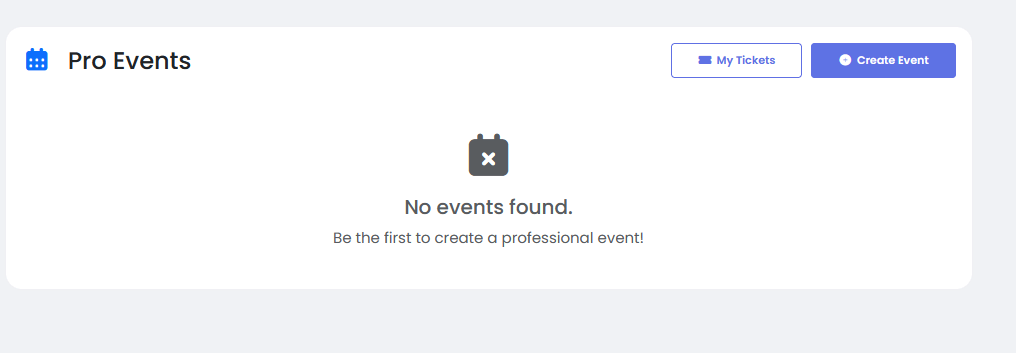
- Dedicated Events Directory ("/pro-events") showcasing all upcoming events in a modern, user-friendly interface.
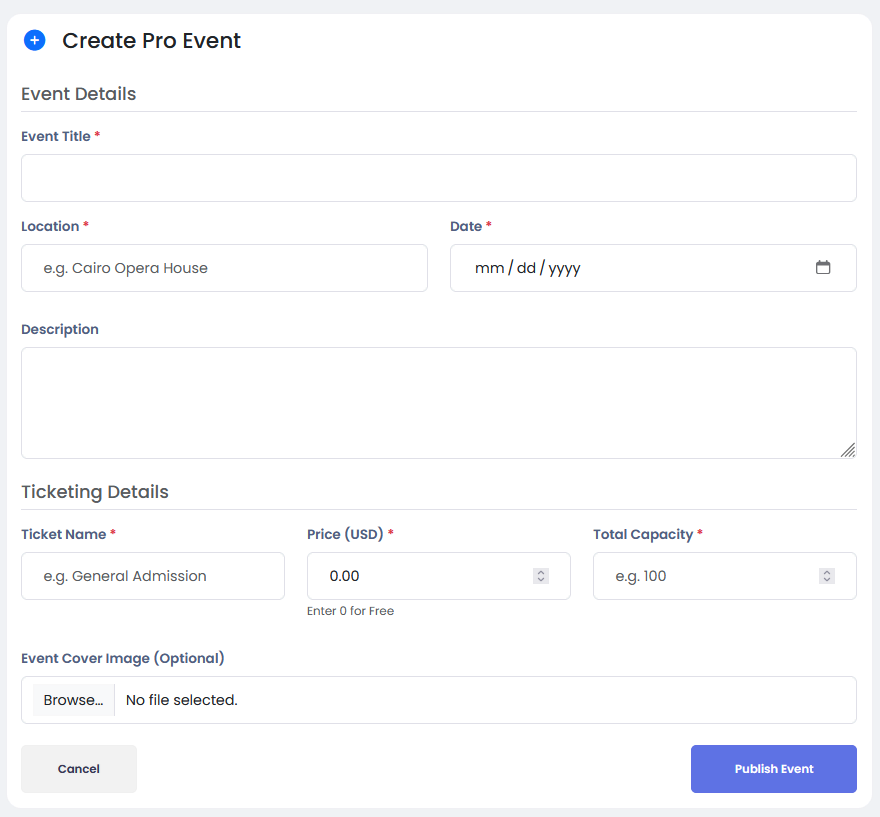
- Easy event creation with support for titles, descriptions, dates, locations, and cover images.
- Full compatibility with Sngine's cloud storage integrations, including AWS S3, DigitalOcean Spaces, Wasabi, FTP storage, and more.
Advanced Ticketing
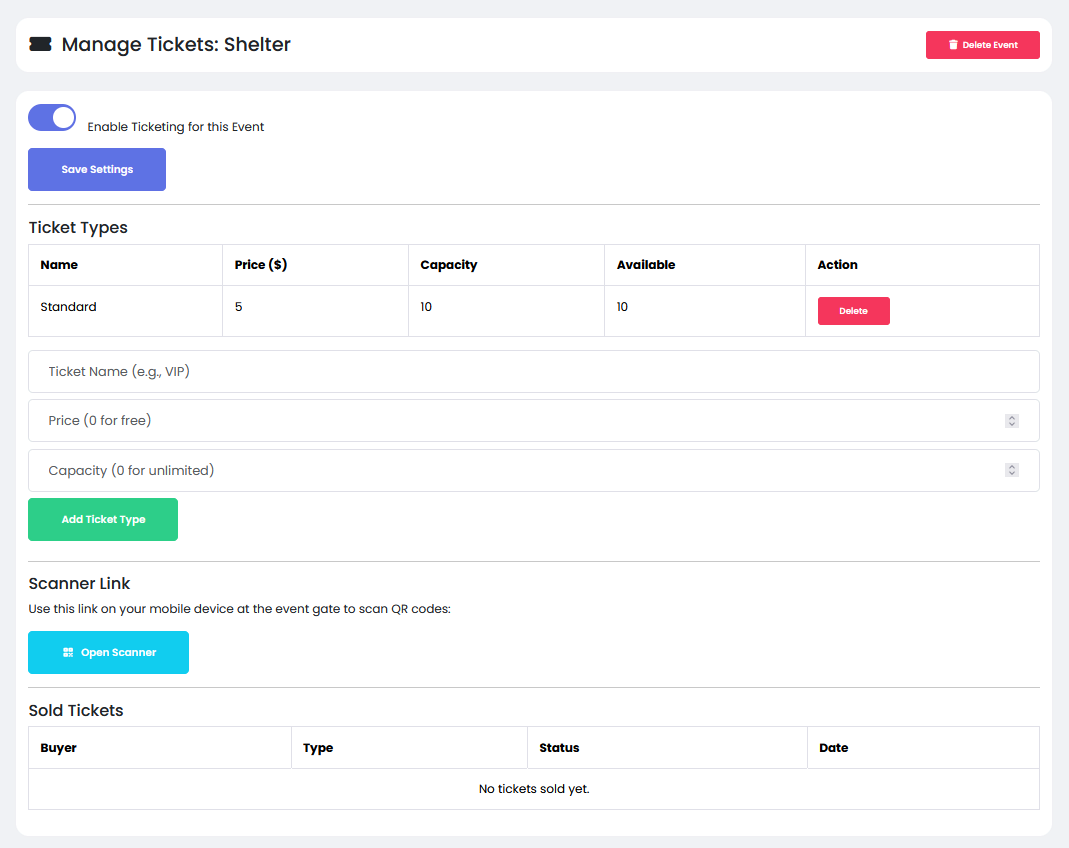
- Create multiple ticket categories such as Standard, Premium, VIP, Early Bird, and more.
- Define custom pricing for each ticket type, including free tickets.
- Set attendance limits and ticket capacities independently for each category.
- Built-in integration with the Sngine Wallet system, allowing users to purchase tickets directly from their wallet balance.
- Automatic revenue distribution to organizers after every successful purchase.
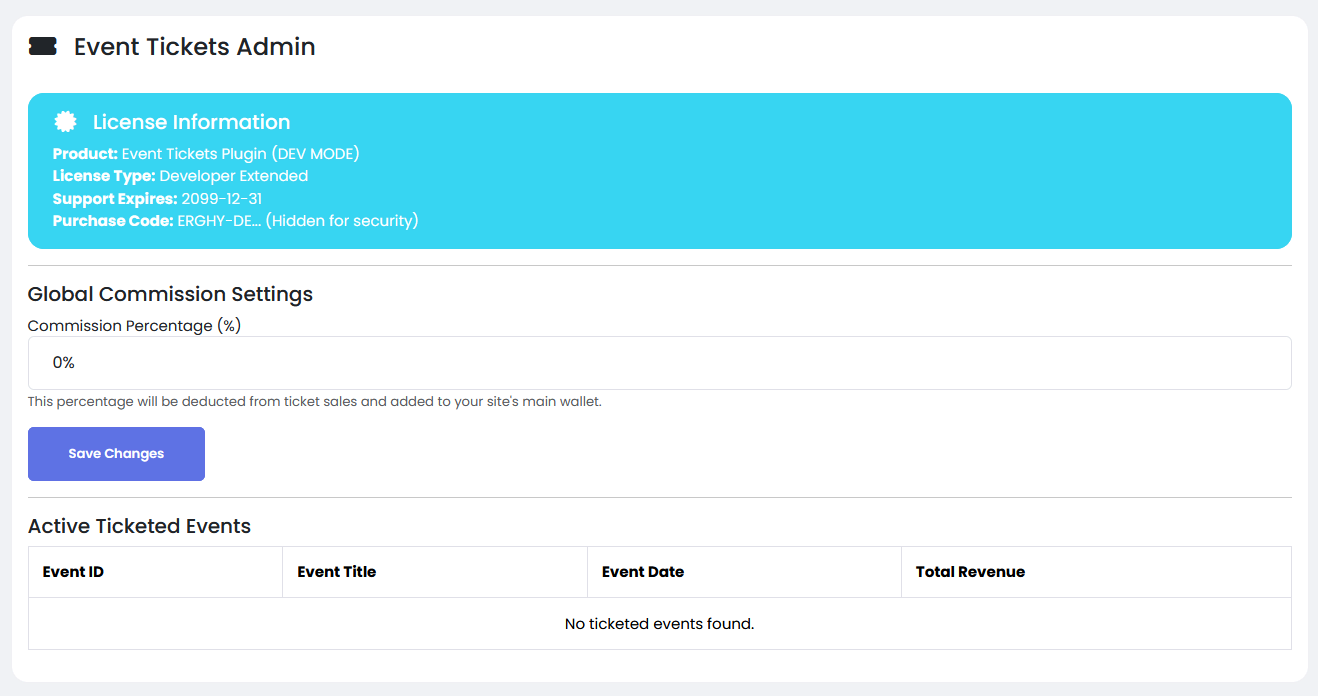
- Configurable admin commission system with automatic commission deduction and transfer.
QR Codes & Digital Tickets
- Unique and secure QR code generated automatically for every purchased ticket.
- Instant ticket delivery via email, including ticket details and QR code.
- Personal ticket dashboard ("/my-tickets") where users can access all purchased tickets anytime.
Smart Ticket Validation
- Responsive QR code scanner accessible directly from any mobile device.
- Real-time ticket verification against the database.
- Displays attendee information instantly during entry validation.
- Built-in fraud protection with automatic ticket usage tracking.
- Prevents duplicate entry by marking tickets as used immediately after successful validation.
---
Installation
Step 1: Upload Plugin Files
Upload the complete "event_tickets" folder to your Sngine plugins directory:
“your_sngine_root/plugins/event_tickets”
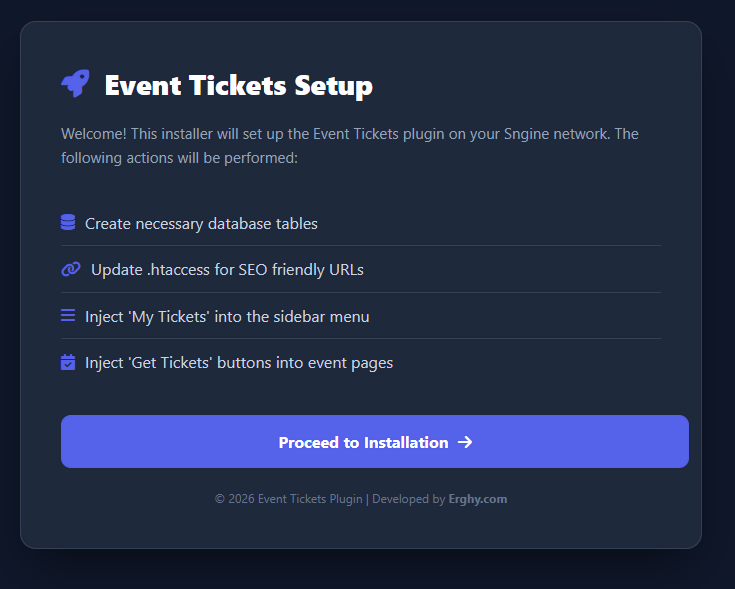
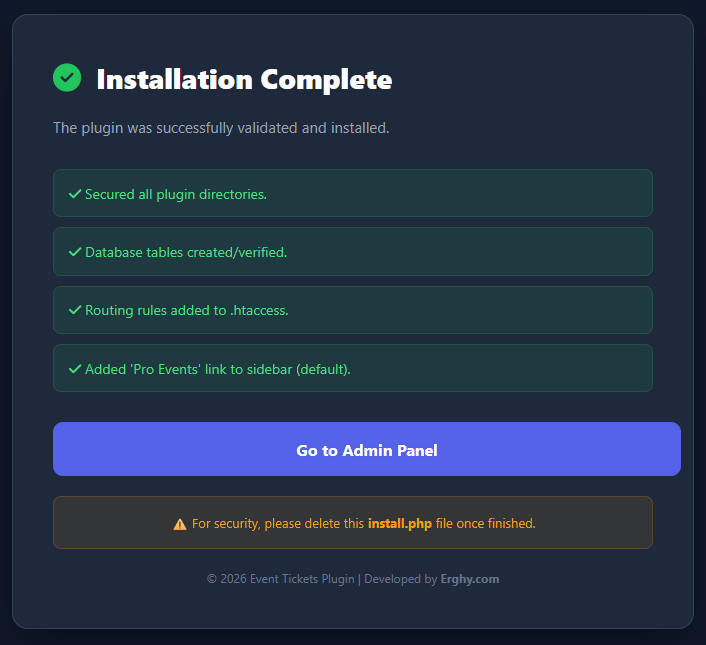
Step 2: Run the Installer
Open the installation page in your browser:
“https://yourdomain.com/plugins/event_tickets/install.php”
Step 3: Complete Installation
Click Install Plugin.
The installer will automatically:
- Create all required database tables.
- Configure necessary URL routing rules.
- Generate upload and storage directories.
- Prepare the plugin for immediate use.
Step 4: Security Recommendation
After installation is completed successfully, delete the installer file:
“plugins/event_tickets/install.php”
This step is highly recommended to prevent unauthorized access.
---
Getting Started
Administrator
- Access the administration panel through:
“/tickets-admin”
- Configure platform commission percentages.
- Review plugin and license information.
- Ensure the Sngine Wallet system is enabled for ticket purchases.
Event Organizer
1. Visit "/pro-events".
2. Create a new event.
3. Configure ticket types, pricing, and capacities.
4. On the event day, use the built-in QR scanner to validate attendees.
Ticket scanner URL:
“/tickets/scan?event_id={id}”
Attendees
1. Browse available events through "/pro-events".
2. Select an event and choose a ticket type.
3. Purchase the ticket using wallet funds.
4. Access purchased tickets anytime from "/my-tickets".
5. Present the QR code at the venue entrance for verification.
---
Available Routes
Route| Description
"/pro-events"| Events Directory
"/pro-events/create"| Create Event
"/pro-events/{id}"| Event Details
"/tickets/checkout/{id}"| Ticket Purchase
"/tickets/manage/{id}"| Ticket Management
"/my-tickets"| User Ticket Dashboard
"/tickets/scan?event_id={id}"| QR Scanner
---
System Requirements
- Latest version of Sngine
- PHP 8.3 or higher
- SSL Certificate (HTTPS)
Important: HTTPS is mandatory for camera access and QR code scanning functionality.
---
Why Choose Sngine Pro Event Tickets?
✔ Fully integrated with Sngine
✔ Wallet-powered ticket purchases
✔ Automated commission handling
✔ QR code ticket verification
✔ Anti-fraud protection
✔ Cloud storage compatibility
✔ Mobile-friendly scanning system
✔ Easy installation and management
---
Thank you for choosing Sngine Pro Event Tickets and helping your community create and manage events more efficiently.
بواسطة kanukp

بواسطة kanukp
بواسطة kanukp