How to update translation with new release in Sngine?
If you made changes in your translation file “messages.po” and want to update it to the
If you made changes in your translation file “messages.po” and want to update it to the new release files.
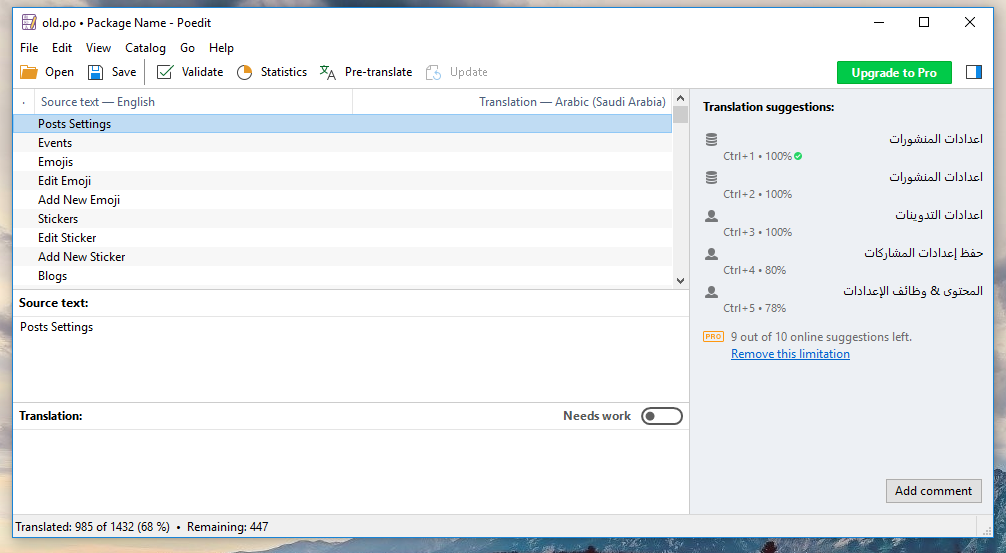
1- Open your old/current file with “PoEdit”
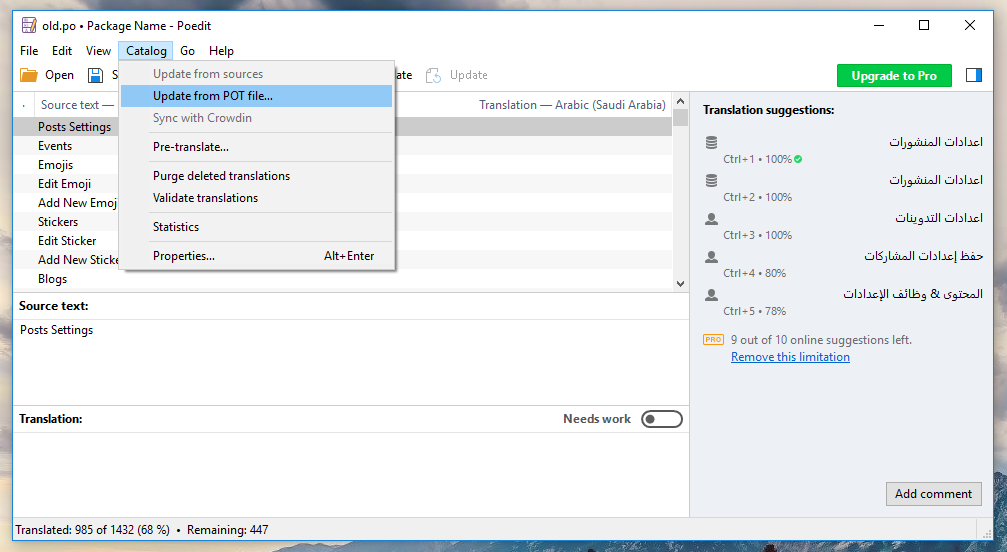
2- Go To Catalog -> Update from POT file
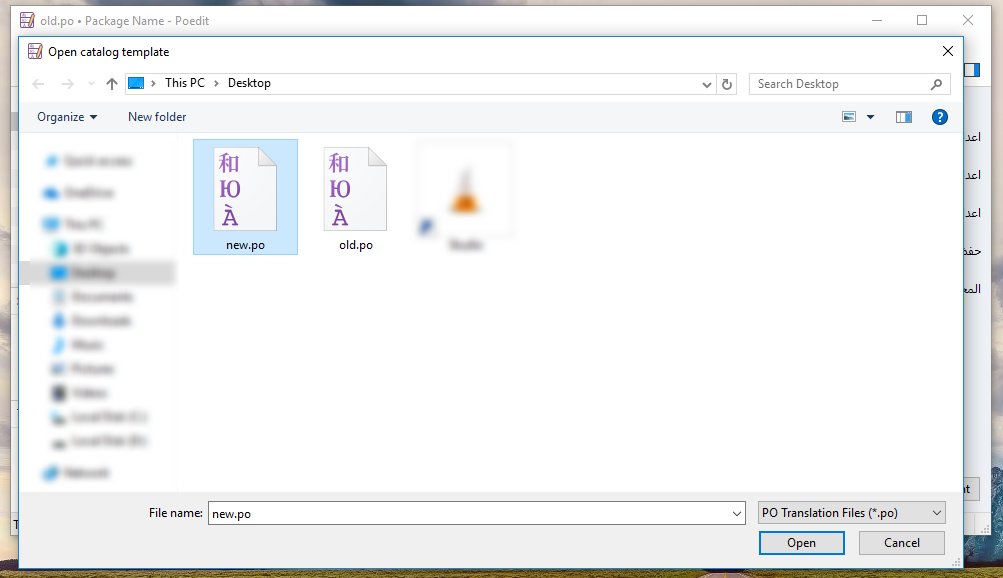
3- Select the new translation “messages.po” file from your language folder in the new release “Script” folder if this language already included with Sngine or from the raw file included with your downloaded package if your language not included with Sngine and you added it to your website “Extras/Translation/messages.po“
4- Now Done, Just Save it to generate the new “messages.po” and “messages.mo” files and uploaded it to your website as before
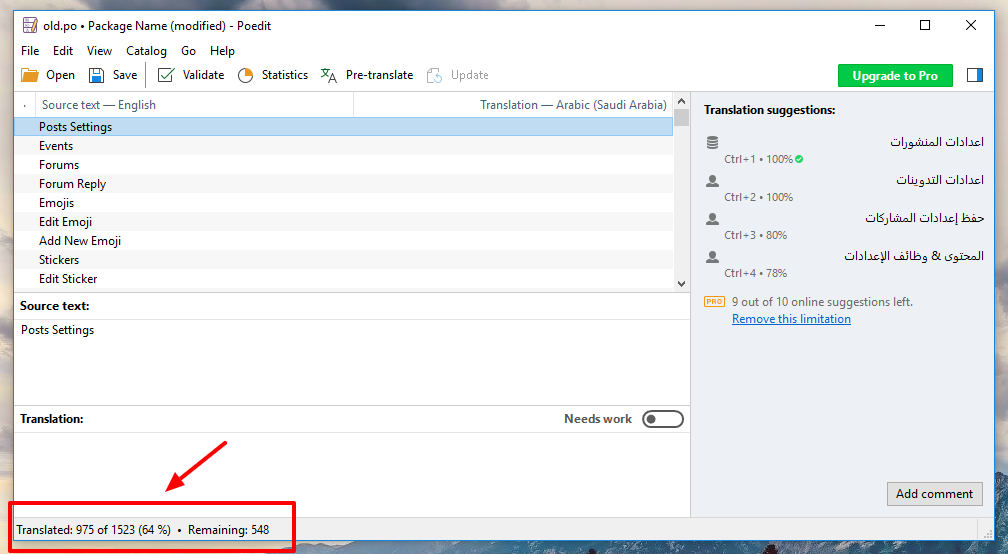
That’s it.
Happy Sngine 🙂
Buy Sngine or Extend your support: https://bit.ly/BuySngine
Artigos relacionados
Idiomas e traduções, Dicas e tutoriais
How to add new language in Sngine?
 Zamblek
2 min de leitura
Zamblek
2 min de leitura
Idiomas e traduções, Dicas e tutoriais
How to add new translated text to Sngine?
Zamblek
2 min de leitura
Idiomas e traduções, Dicas e tutoriais
How to edit your language in Sngine?
Zamblek
2 min de leitura