Mercado Pago Integration
To get your Mercado Pago Public Key and Access Token, follow these steps: ✅ Step 1:

Índice
To get your Mercado Pago Public Key and Access Token, follow these steps:
✅ Step 1: Log in to your Mercado Pago Account
Go to https://www.mercadopago.com/ and log in using your business account.
✅ Step 2: Navigate to Your App Settings
- Go to the Developer Dashboard
- Click on “Credentials” from the sidebar (or find it under your App or account menu).
✅ Step 3: Copy Your Credentials
You will see two environments:
- Production
- Sandbox (for testing purposes)
Under each environment, you’ll find:
- Public Key
- Access Token
Example:
Public Key: TEST-abc1234567890xyz
Access Token: TEST-567890abcdef1234567890
⚠️ If you want to accept real payments, switch from
TEST-to your live credentials by toggling to Production.
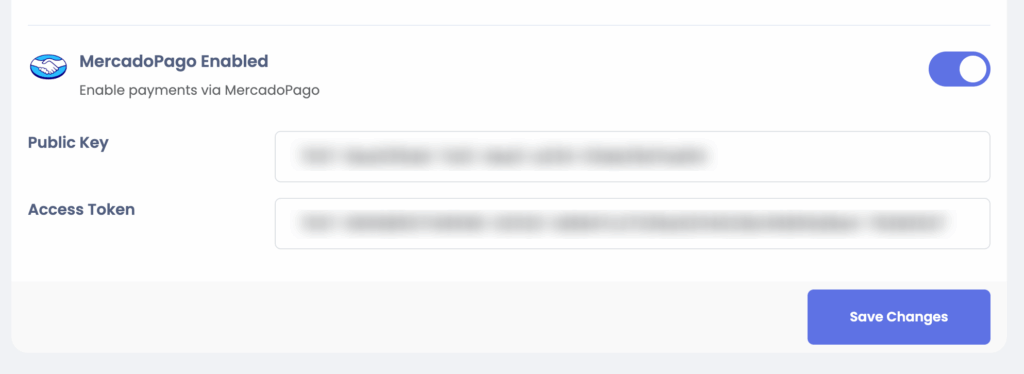
Finally add them to Sngine admin panel > settings > payment settings
That’s it.
Happy Sngine 🙂
Buy Sngine or Extend your support: https://bit.ly/BuySngine