How to translate categories?
Categories like pages categories, groups categories, events categories, blogs categories, and more, are dynamic text. To

Categories like pages categories, groups categories, events categories, blogs categories, and more, are dynamic text. To translate them, you will need to add each category you want to translate manually in the translation files.
Go to “messages.po” file related to your language (Example: Arabic Language) that you find at “content\languages\locale\ar_sa\LC_MESSAGES“, Open it with any code editor like Notepad+, VS Code or Sublime Text.
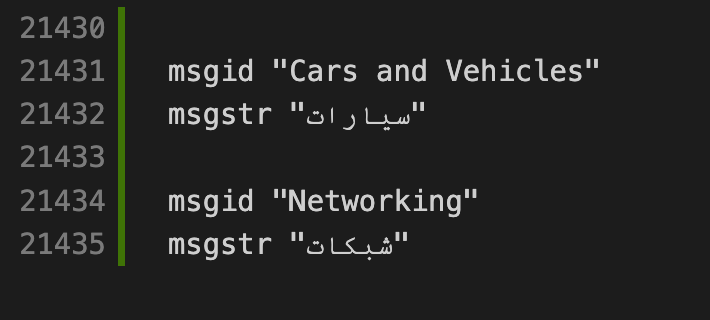
You can add at the bottom of the file the category name with this syntax.
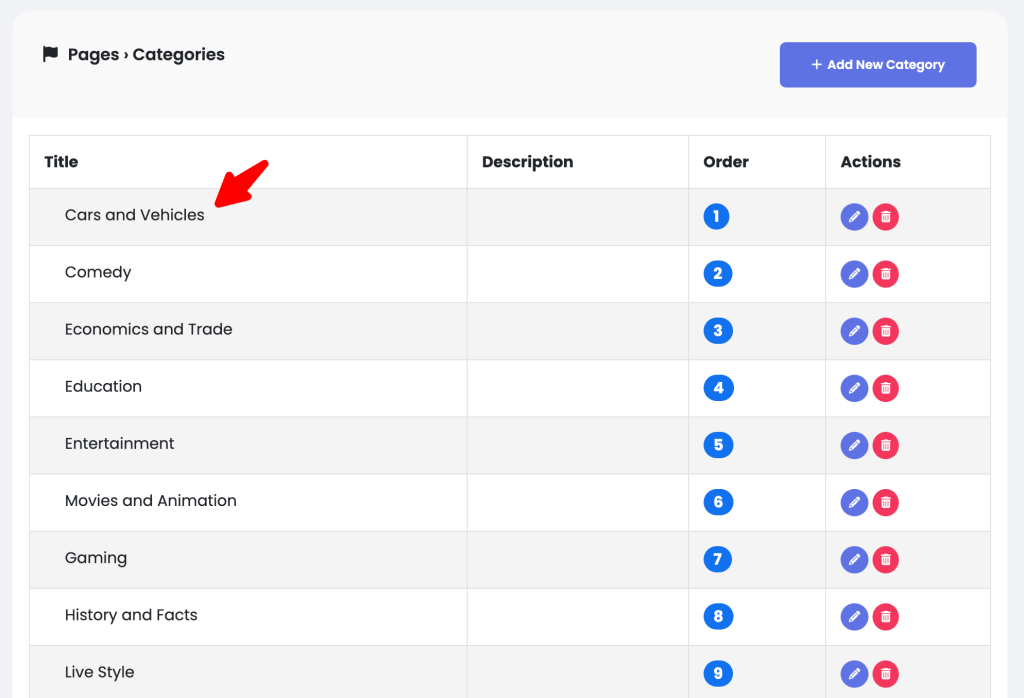
msgid “Cars and Vehicles”
msgstr “سيارات”
msgid => Represent the English text (Always English)
msgstr => Represent the translation for this text (In this example will be in Arabic)
We are done and need to compile this PO file to MO file and to do this we need to use PoEdit (https://poedit.net/)
Close the code editor and reopen the file using the PoEdit and will find the your text, Just click “Save”
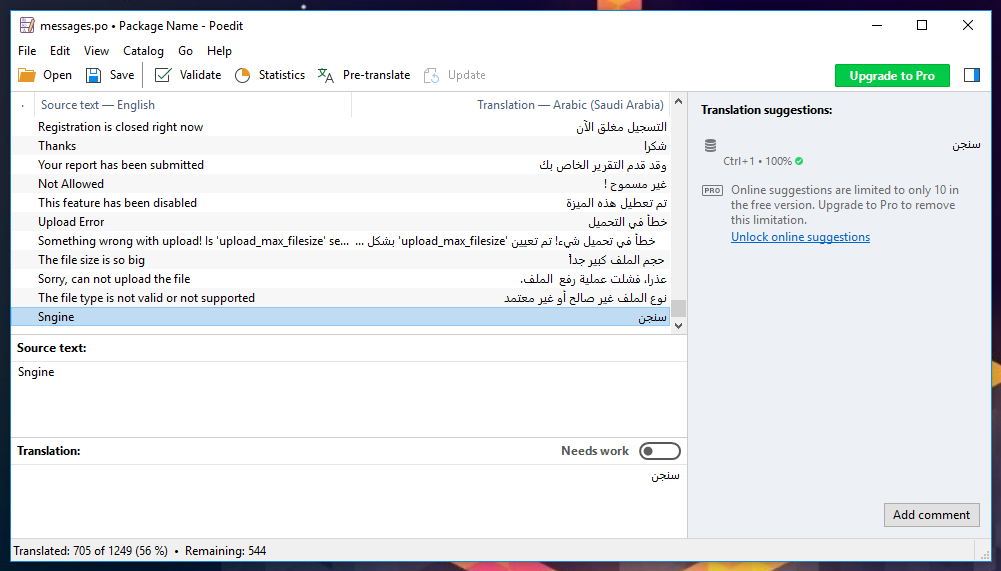
Now you have both “messages.po” and “messages.mo” files upload them to your live server at the same place and replace the old files with new files.
That’s it.
Happy Sngine 🙂
Buy Sngine or Extend your support: https://bit.ly/BuySngine
Articles connexes
Premiers pas, Langues et traductions
How to edit the default locale (en_us) correctly?
 Zamblek
1 min de lecture
Langues et traductions, Conseils et tutoriels
How to update translation with new release in Sngine?
Zamblek
1 min de lecture
Langues et traductions, Conseils et tutoriels
How to add new language in Sngine?
Zamblek
2 min de lecture