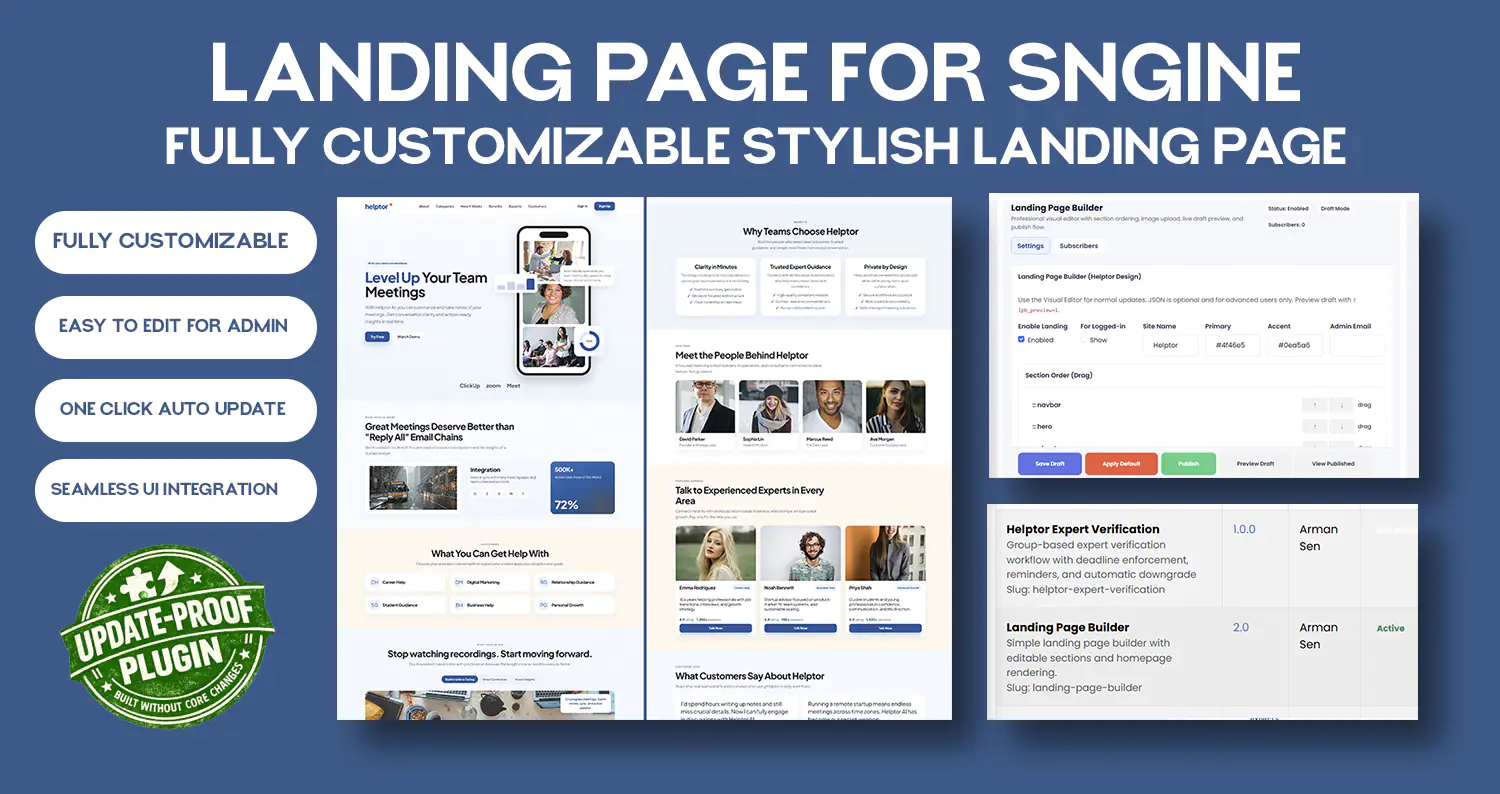
Advanced Landing Page Builder Plugin for Sngine – Drag & Drop Homepage Designer + Lead Capture Syste
$45.00Von kanukp
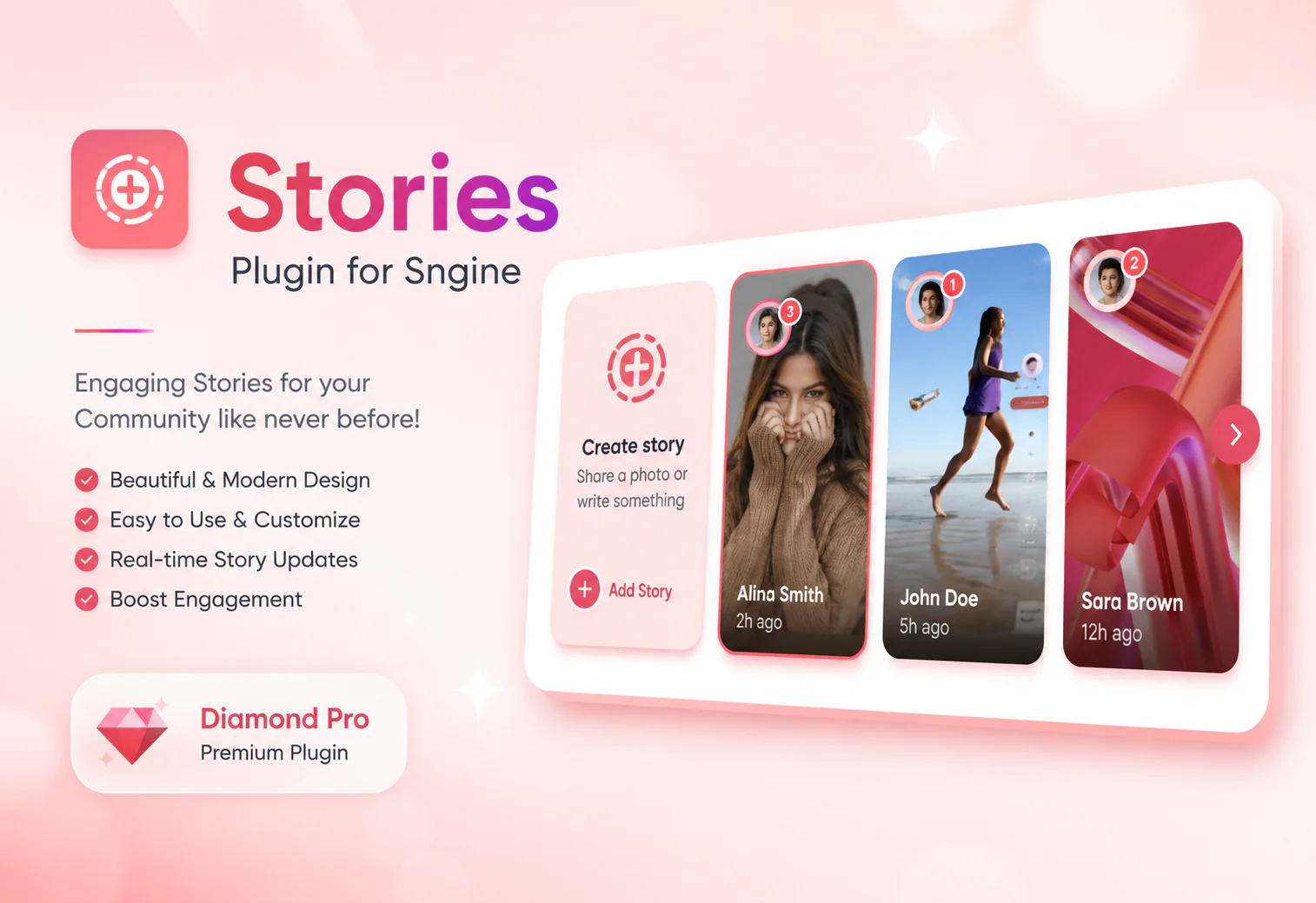
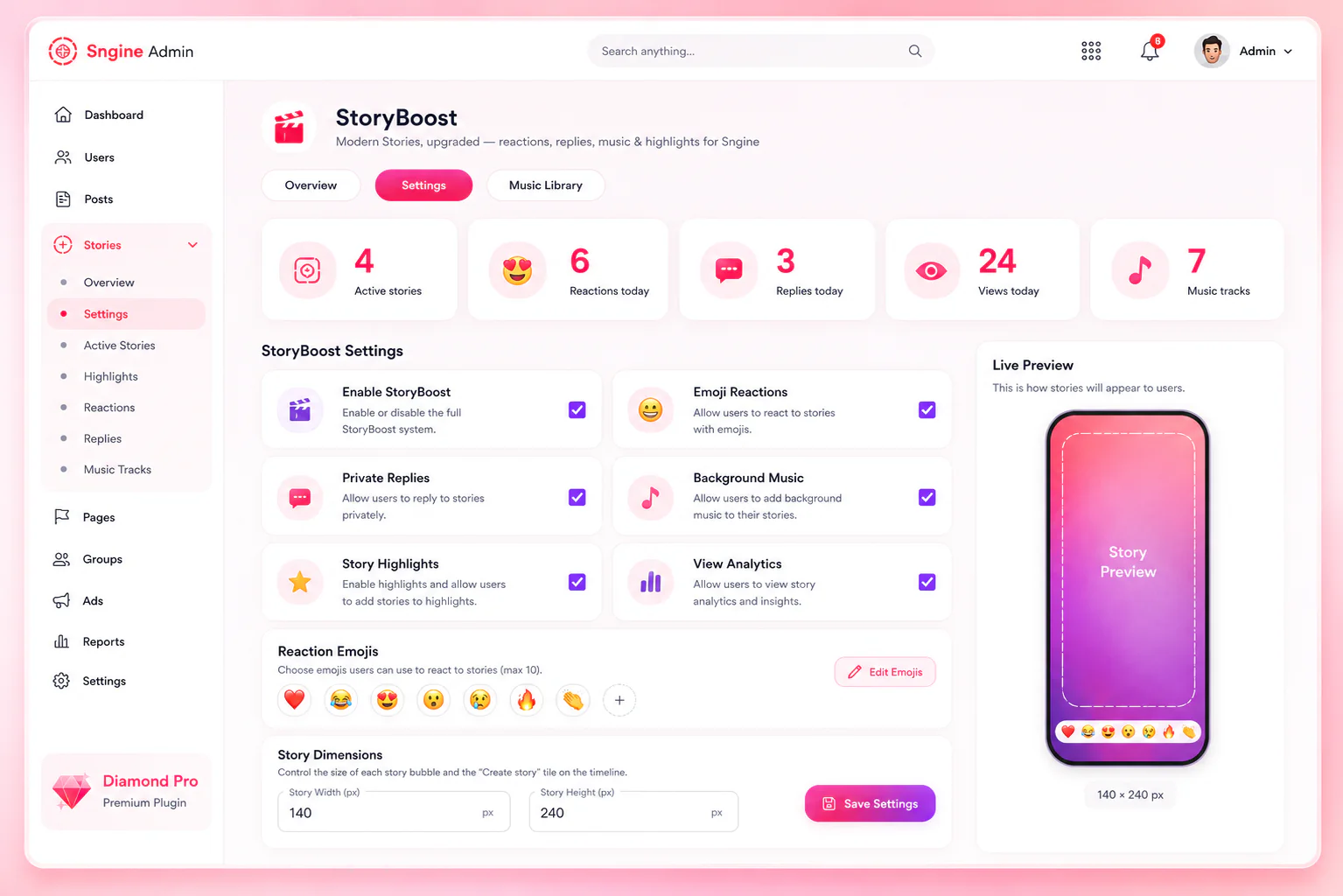
🚀 StoryBoost ✨A modern Stories upgrade for Sngine — reactions, private replies, polls, background music, highlights, and analytics, with zero database re
Von Trendgo
$14.99
🚀 StoryBoost
✨A modern Stories upgrade for Sngine — reactions, private replies, polls, background music, highlights, and analytics, with zero database restructuring.
📝 StoryBoost adds Instagram/TikTok-style features to Sngine's native Stories: 😍 emoji reactions, 💬 private replies, 🗳️ two-option polls, 🎵 background music with a built-in picker, ⭐ permanent highlights, and 📊 per-story analytics — plus an admin dashboard to manage all of it. Installs as a self-contained add-on with its own database tables; core Sngine files are untouched unless you opt into the automatic popup/menu patcher.
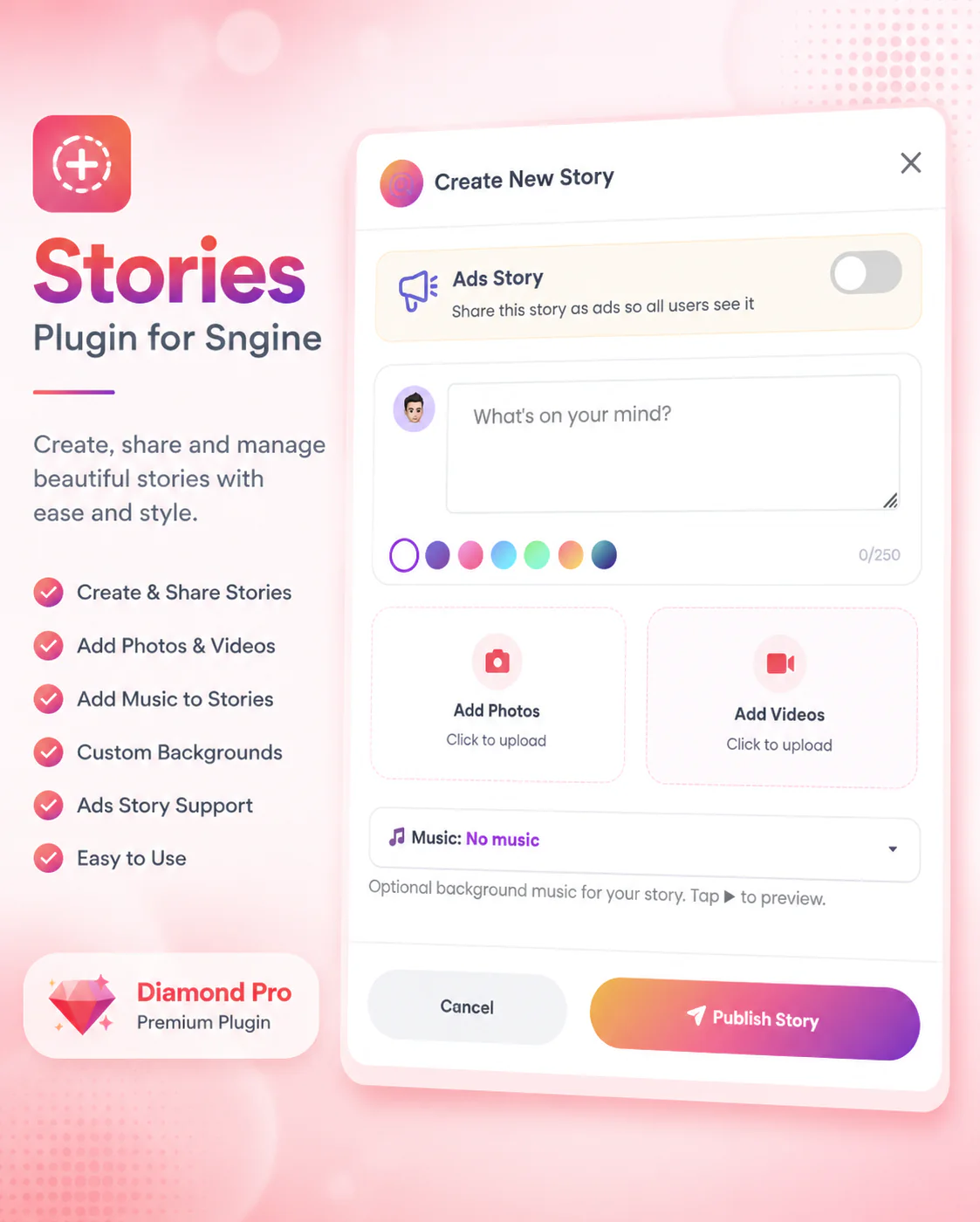
📖 Sngine's built-in Stories feature is solid but bare-bones. StoryBoost drops in as a self-contained plugin and brings it up to the standard users expect from modern stories: reactions, replies, music, highlights, and analytics — all with a redesigned "Create New Story" popup.
🔥 Why StoryBoost
📦 Self-contained — its own database tables (all prefixed storyboost_), its own PHP endpoints. Nothing in Sngine's core stories, users, or other tables is touched or restructured.
🎨 Works on any theme, out of the box — reactions, replies, polls, highlights, and analytics are pure front-end overlays that watch Sngine's existing Stories timeline and viewer. No template edits required for any of it.
⚡ One-click automatic installer for the two features that do need theme/core changes (the music picker in the Create Story popup, and a real "StoryBoost" entry in Sngine's own Admin Panel sidebar) — no manual code editing, no FTP diffing. The tool backs up every file it touches before changing anything, and it's safe to re-run any time, including after a Sngine update.
🖌️ Pre-built support for Default, and Diamond_Pro themes, with the sidebar/admin integration working automatically on any theme, including renamed or forked copies.
🔌 Fully removable — a single "Enable StoryBoost" toggle turns off all the new CSS/JS site-wide; stories revert to Sngine's native, unmodified look.
🌟 Features
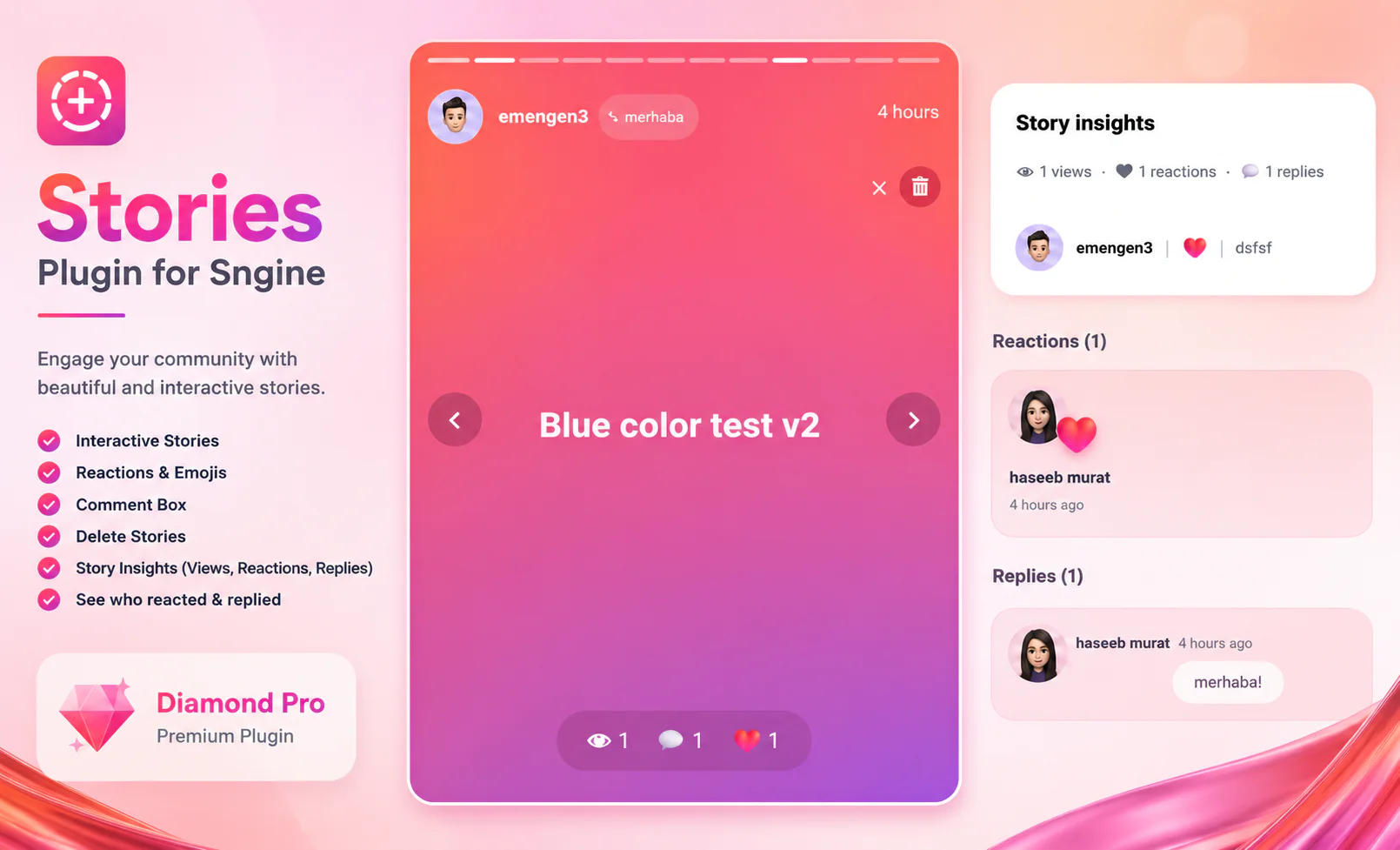
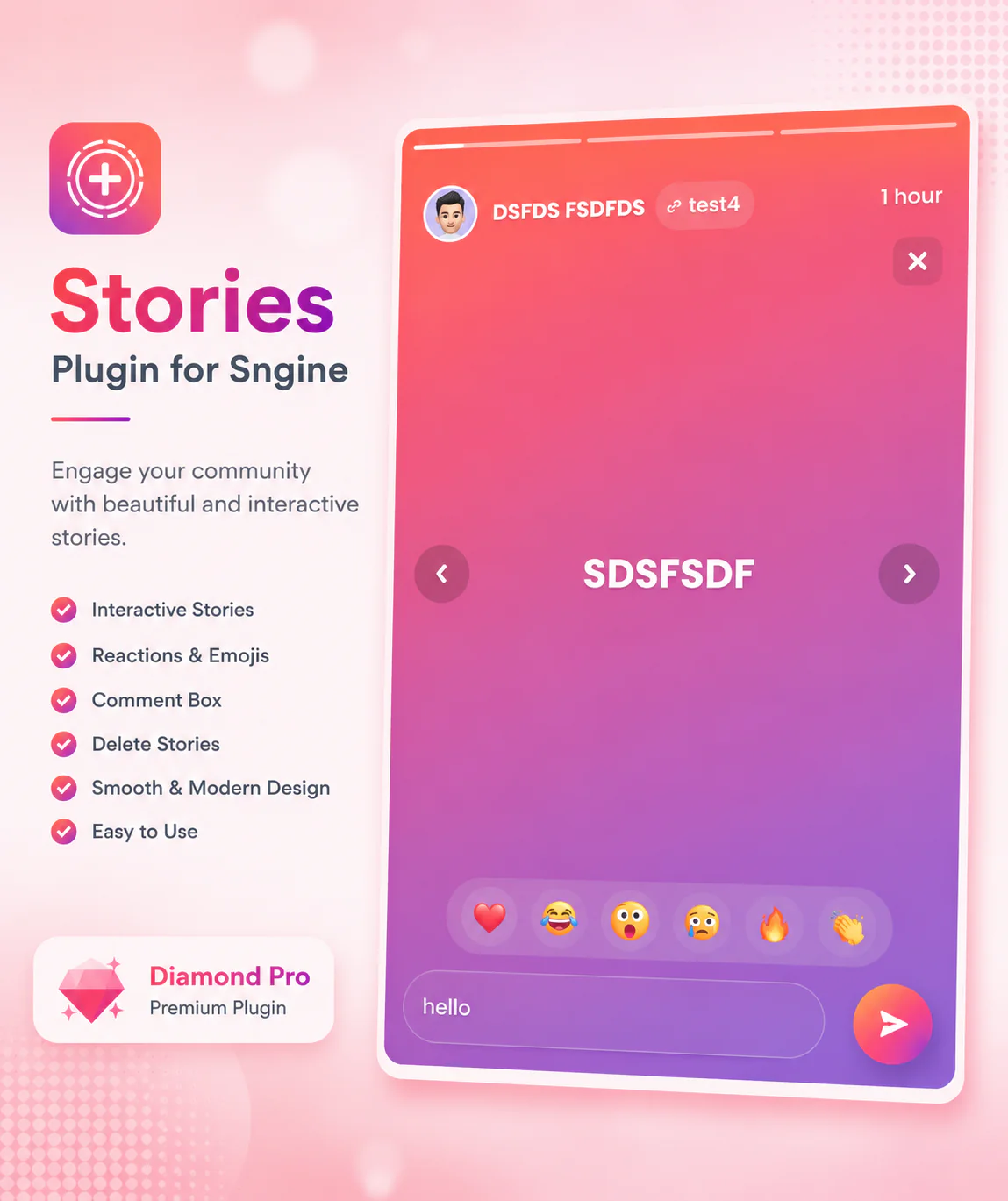
😍 Emoji reactions — tap a reaction while viewing a story; admin picks which emoji set is offered (up to 10).
💬 Private replies — a reply box under other people's stories, routed to the story owner's own StoryBoost inbox (separate from Sngine's Messages system).
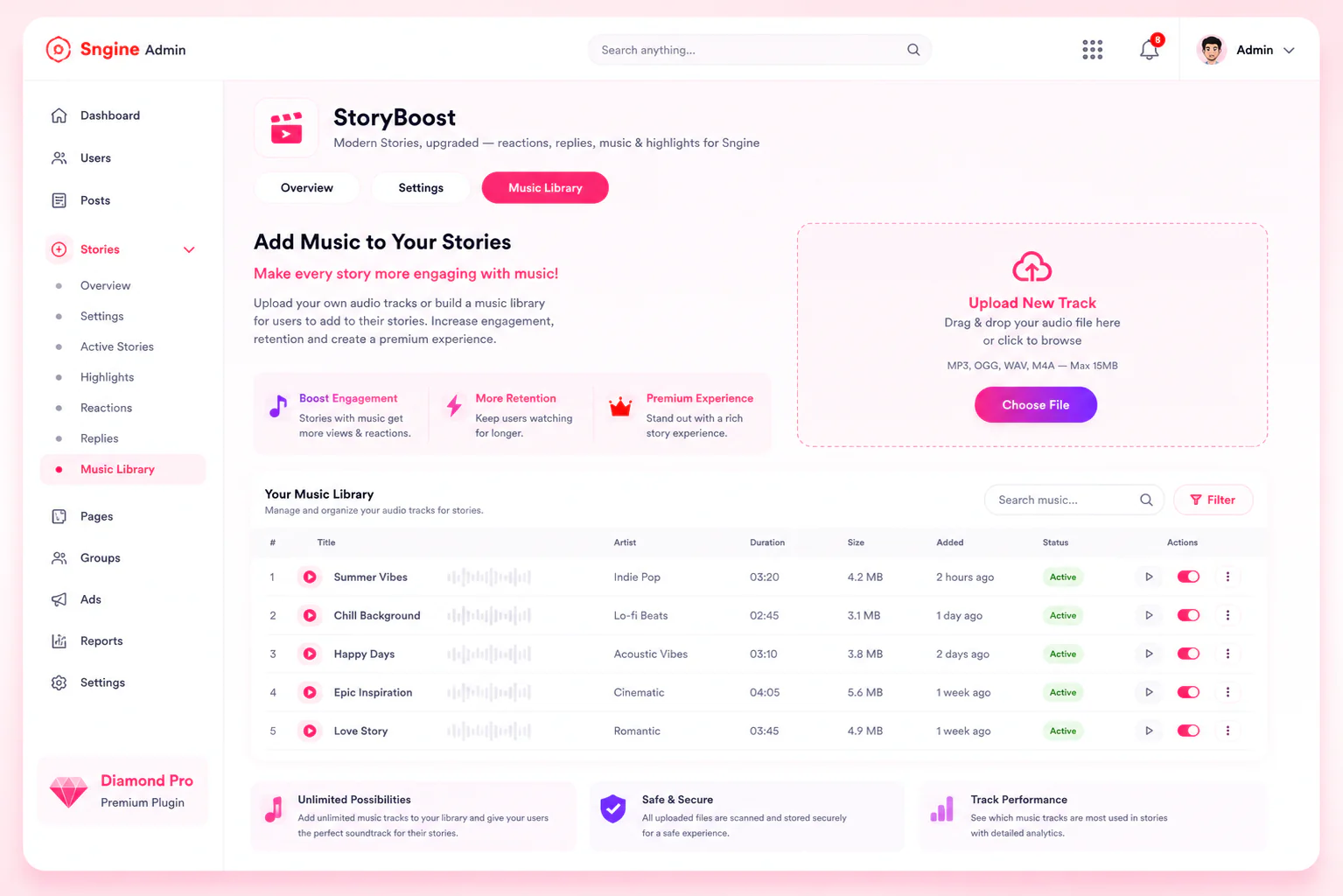
🎵 Background music — admin uploads mp3/ogg/wav/m4a tracks; users attach one to their story via a simple picker with search and preview playback baked into the Create Story flow.
⭐ Highlights — save story items into a permanent, named highlight reel that survives past the normal 24-hour expiry, shown as a bubble row on the profile page.
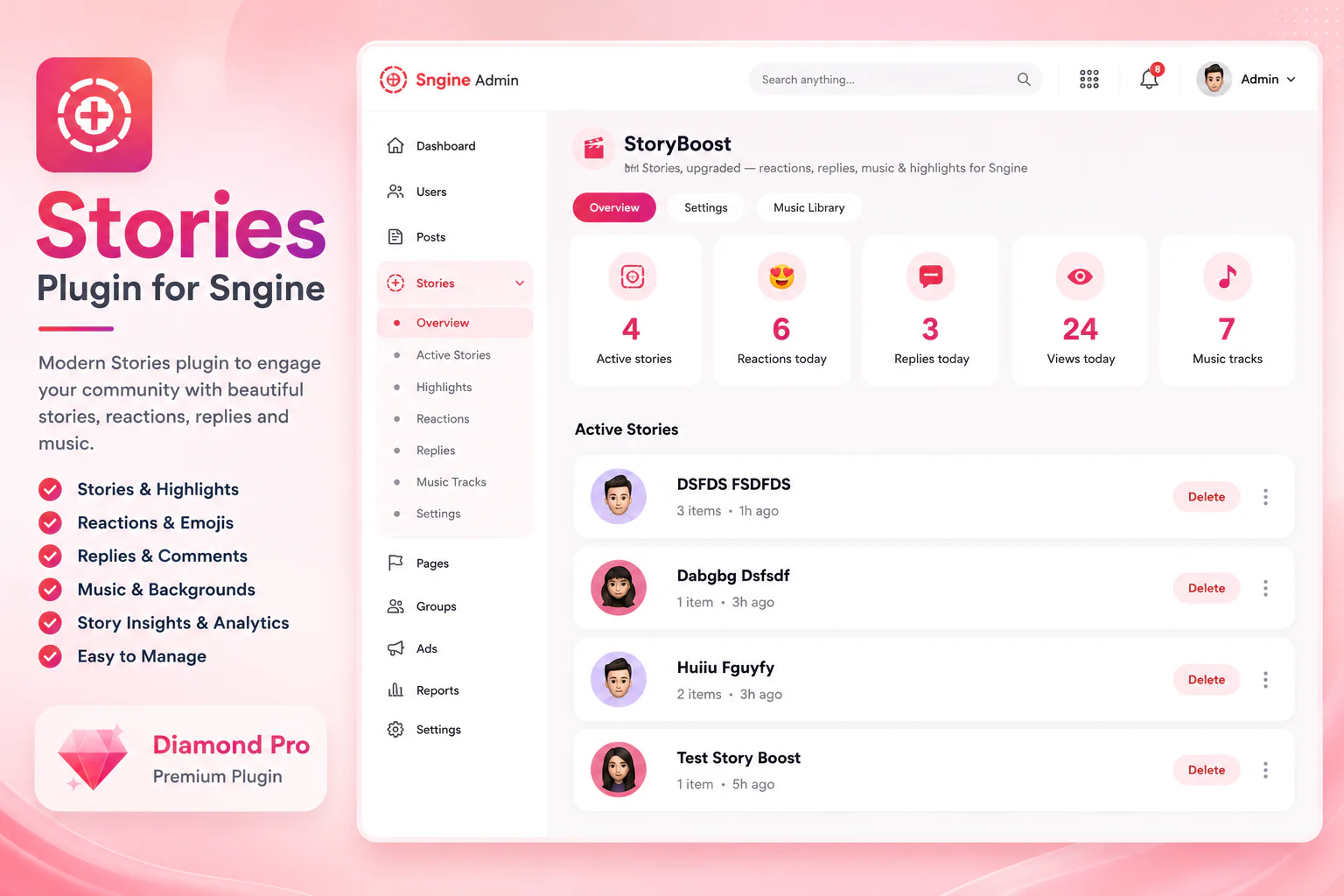
📊 Analytics — story owners see live view/reply/top-reaction counts on their own story; admins get a sitewide stats summary plus a live, paginated list of every currently-active story with one-click delete.
⚙️ Admin dashboard — configure every feature toggle, manage the music library, moderate replies, and monitor active stories, either standalone or embedded directly in Sngine's own Admin Panel.
📐 Customizable story size — adjust story bubble/tile height (140–420px) site-wide from Settings, no template edits.
✅ Requirements
🧩 Sngine v4.4.2 (or compatible) · 🚫 No composer install · 🚫 No cron job · 🚫 No external services
🛠️ Installation
✅ After Purchase You need to contact us for licence , Only one licence for per website !
Quick and beginner-friendly — no coding required for the core setup:
StoryBoost Installation Guide
Step 1 – Upload the StoryBoost ZIP file to your website's root directory (the folder where Sngine is installed, usually public_html).
Step 2 – Extract the ZIP
Step 3 – https://yourwebsite.com/storyboost/install.php
Step 4 - Contact us and ask for licence code
step 5 - Click next buttons… Thats it… Happy Days.
🎉 Installation Complete!
🎨 Theme compatibility
Works great on the Default and Sngine theme — no theme purchase required.
💎 Highly recommended: for the best-looking result, pair StoryBoost with the Diamond Pro theme. Its Create Story popup is a fully custom, modern redesign, and StoryBoost's music picker is built right in to match its look — the two together give a noticeably more premium feel than the default theme. That said, StoryBoost is 100% usable on your default theme too if you'd rather not buy a separate theme.
Demo login
Username : [email protected]
Password;123456
Or create your own account by register !
v1.27 ( 12/08/2026) — What's New
* Some security bug has fixed
* You can select over 25k copyright music
* You can add text now
v1.26 — What's New
* Some security bug has fixed.
v1.25 — What's New
New easy one-click installation wizard
New delete option for each story in admin panel
New story duration settings — admin can now set stories to last over 7 days
New modern UI design in admin panel
New click-anywhere upload box for photos and videos (previously only icon worked)
New red hover effect on upload tile icons
Bug Fixes
Fixed homepage crash on fresh Sngine installs
Fixed "Invalid secret" error when publishing text stories
Fixed not_writable errors showing for themes not installed on server
Fixed patcher showing mismatch on files already patched by older versions
Fixed story_music column not being created during installation
v1.24
New: one-click permission fixer. Added fix-storyboost-permissions.php, a standalone tool you upload next to the storyboost/ folder and run once in your browser. It resets every folder to 755 and every file to 644 in one click — no FTP client or file manager needed. Use it any time you re-upload the plugin fresh and files come in with the wrong permissions.
v1.23
Docs: new troubleshooting guide for a hosting permissions issue. Some hosts' file managers and zip-extraction tools create new folders as 700 (owner-only) instead of 755, which blocks the web server from seeing the plugin at all — showing your site's own "page not found" screen instead of the installer. INSTALL.txt now explains this symptom and how to fix it, and STEP 1 warns about it up front so it's caught early.
v1.22
Fixed: automatic theme patching gap. The install automation (apply-patches.php) wasn't reliably wiring up the story bar's footer include on some theme setups, which could leave the front-end story bar not loading its CSS/JS after installation. This is now handled automatically for the supported themes (default, Diamond_Pro).
Also resolved this round (site-specific, not a package bug)
Duplicate "StoryBoost" entry in the admin Plugins menu. On installs where the menu link had been added manually before the automated patcher existed, running the patcher again could leave two entries instead of recognizing the old one. If you see this on any install, remove the older/duplicate <li> block for StoryBoost in your theme's admin.tpl and keep the one wrapped in <!-- StoryBoost --> comments — that's the one the automation manages going forward.
Von kanukp
Von kanukp
Von kanukp