How to translate the static pages like about us to different languages?
Go to admin panel and edit the page you want to edit or add a new

Go to admin panel and edit the page you want to edit or add a new page as you want
Then Click View -> Source Code
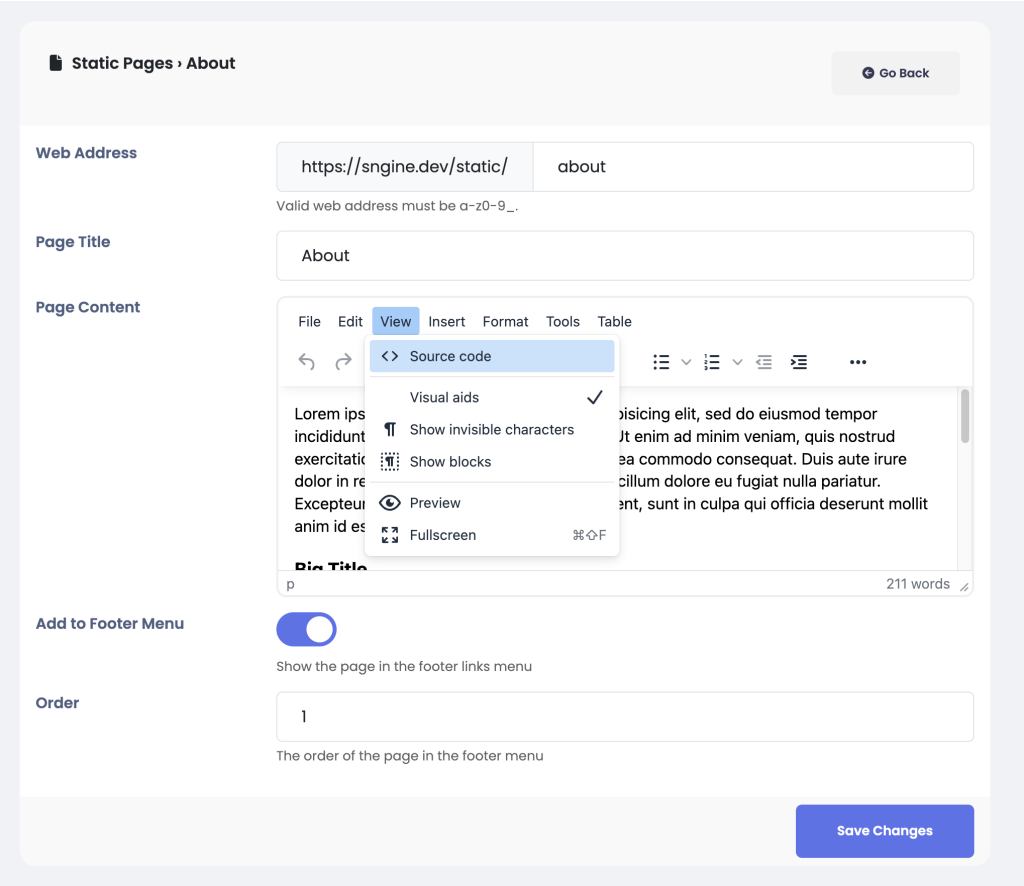
and make the text like that
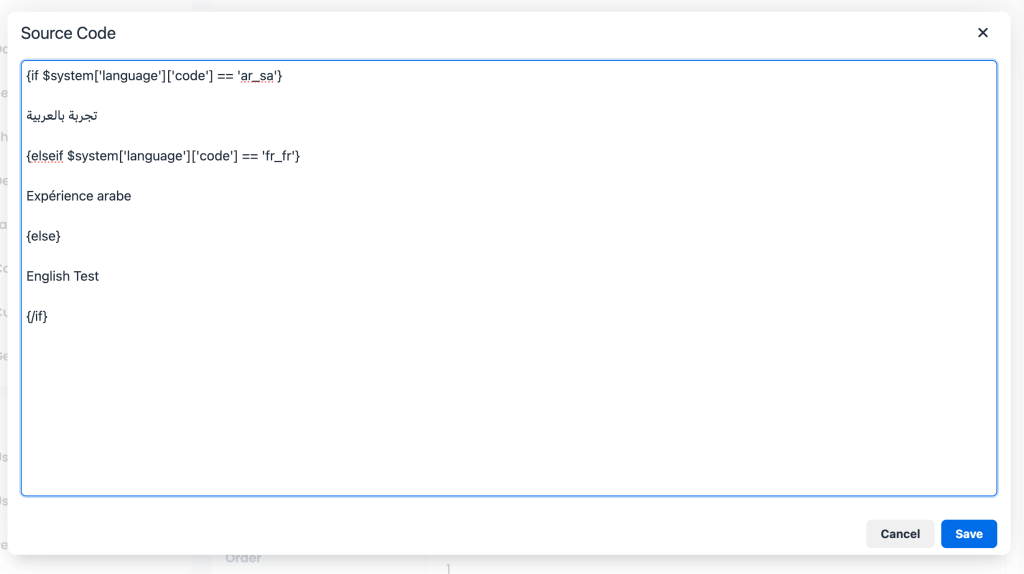
{if $system['language']['code'] == 'ar_sa'}

تجربة بالعربية

{elseif $system['language']['code'] == 'fr_fr'}

Expérience arabe

{else}

English Test

{/if}
Notice that you will put the text of each language you want after the if statement and you can repeat the else if statement for all languages you have. Also you can get the language code from admin panel -> Languages
The result will be like this:
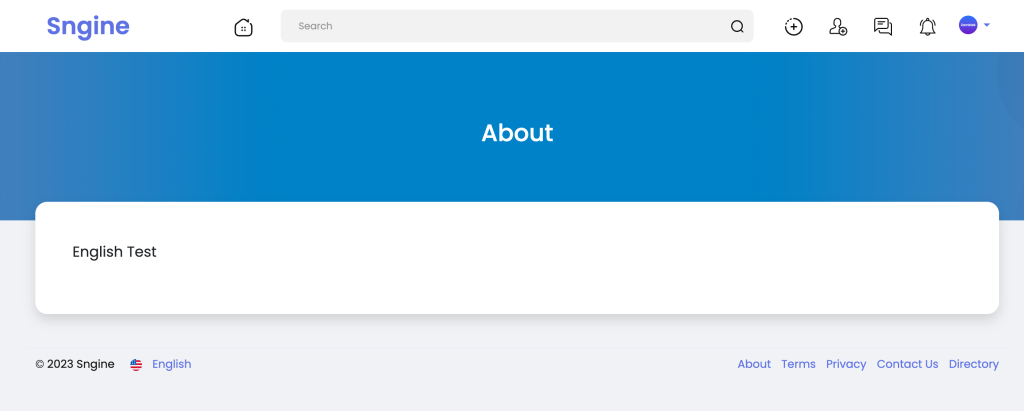
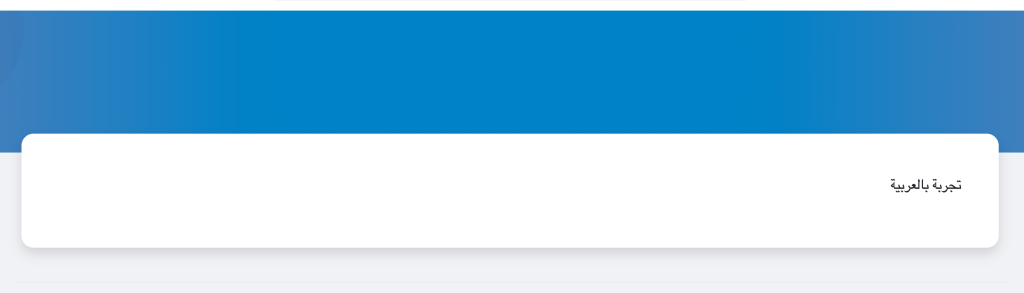
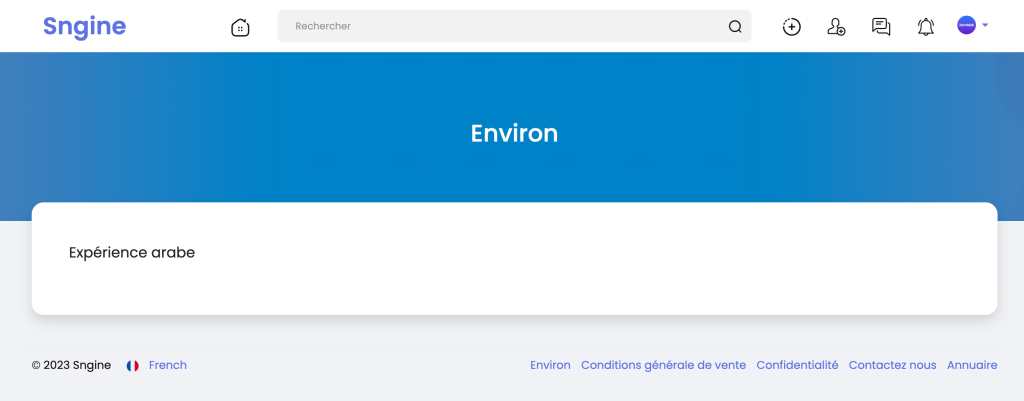
Now change the language to Arabic and to French and English and will see the text has translated to according to the user selected language.
That’s it.
Happy Sngine 🙂
Buy Sngine or Extend your support: https://bit.ly/BuySngine
Ähnliche Beiträge
Sprachen & Übersetzungen, Tipps und Tutorials
How to update translation with new release in Sngine?
 Zamblek
1 Min. Lesezeit
Zamblek
1 Min. Lesezeit
Sprachen & Übersetzungen, Tipps und Tutorials
How to add new language in Sngine?
Zamblek
2 Min. Lesezeit
Sprachen & Übersetzungen, Tipps und Tutorials
How to add new translated text to Sngine?
Zamblek
2 Min. Lesezeit