How to change Sngine Time Zone?
Sngine not working on timezone base because we are using relative time as“2 hours ago” like

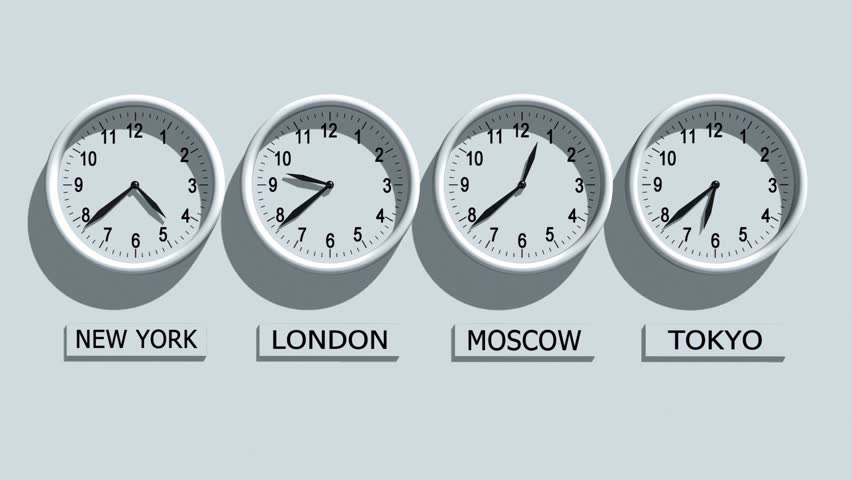
Sngine not working on timezone base because we are using relative time as“2 hours ago” like Facebook, Twitter …etc
Sngine set the server time zone to UTC and in the front-end set the timezone to UTC too then calculate the difference. So there is no need to change server time otherwise you will change it from both back-end (PHP file) and front-end (JavaScript file).
– includes/functions.php
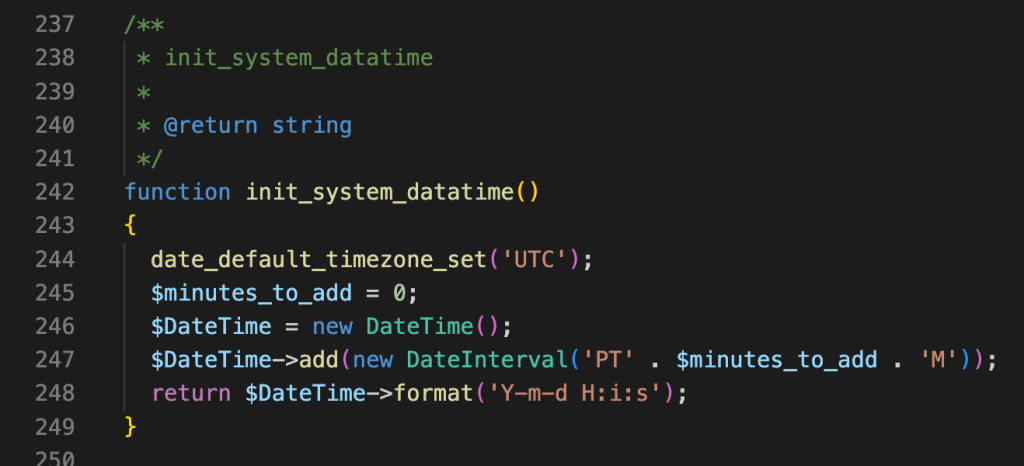
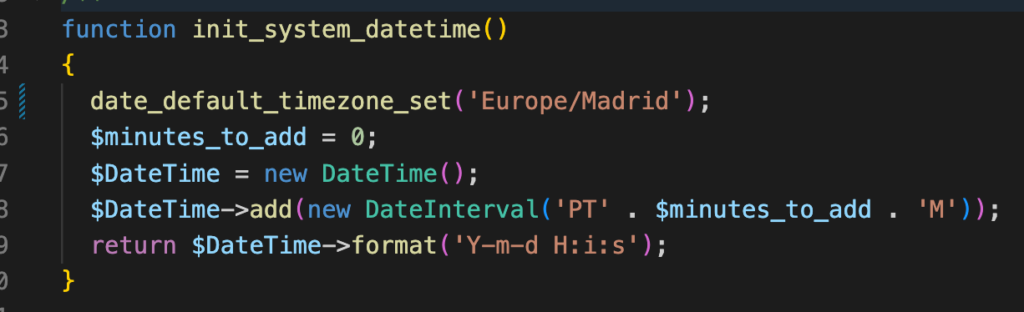
Here you can change the timezone from the supported timezones list: https://www.php.net/manual/en/timezones.php
Example:
– includes/assets/js/sngine/core.js
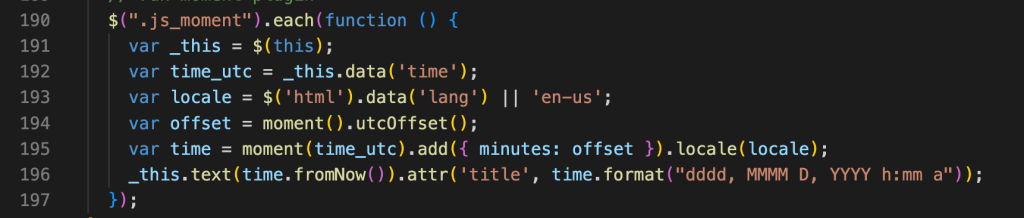
Here you will need to edit the utcOffset() like this:
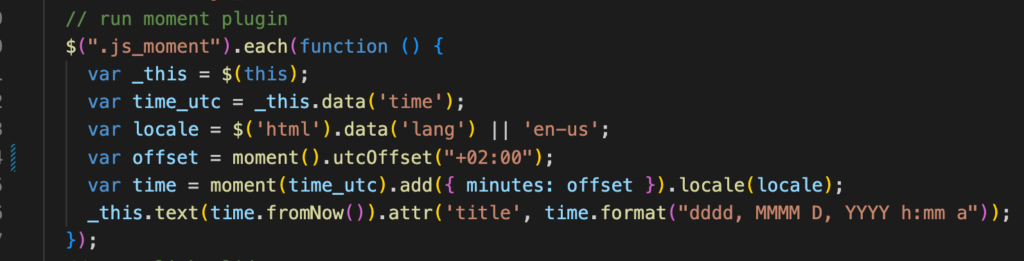
That’s it.
Happy Sngine 🙂
Buy Sngine or Extend your support: https://bit.ly/BuySngine