How to add Games to Sngine
Sngine support HTML5 Games and You can add games easily from admin panel and you can

Sngine support HTML5 Games and You can add games easily from admin panel and you can enable/disable it from admin panel too. To add games you can go to Admin Panel -> Games and select add new game
Sngine using iframe for games so all what you need to put the game source URL right in the admin panel like this:
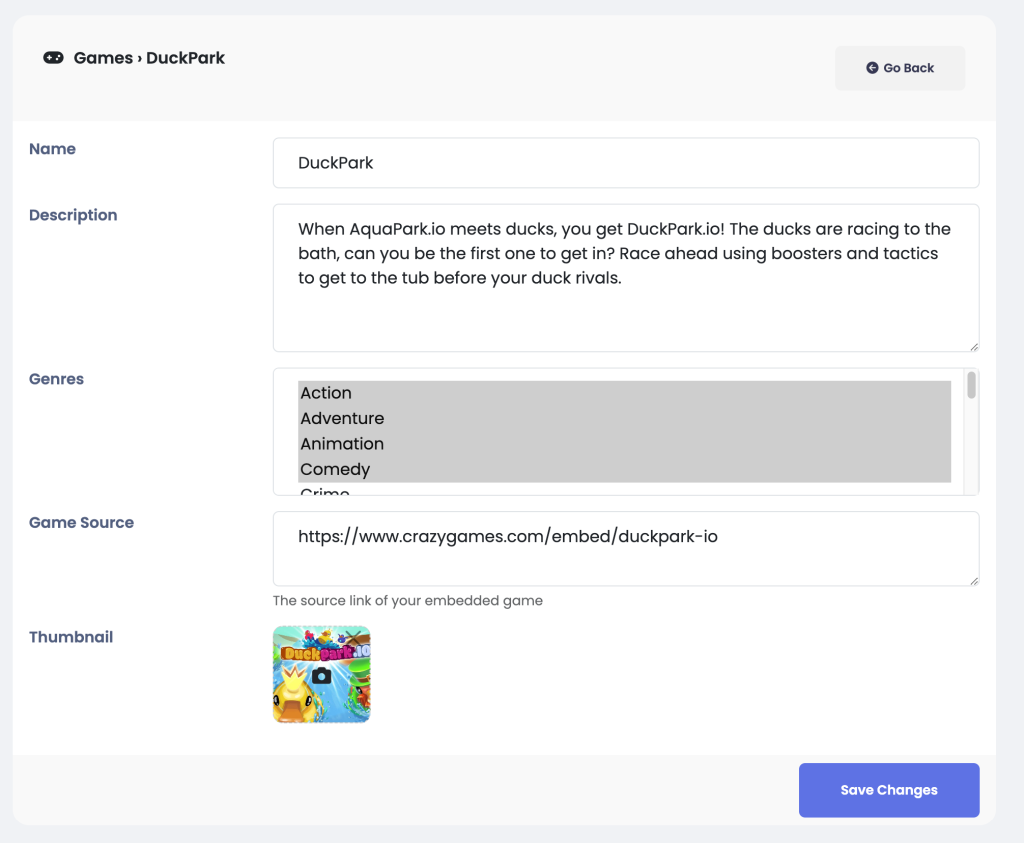
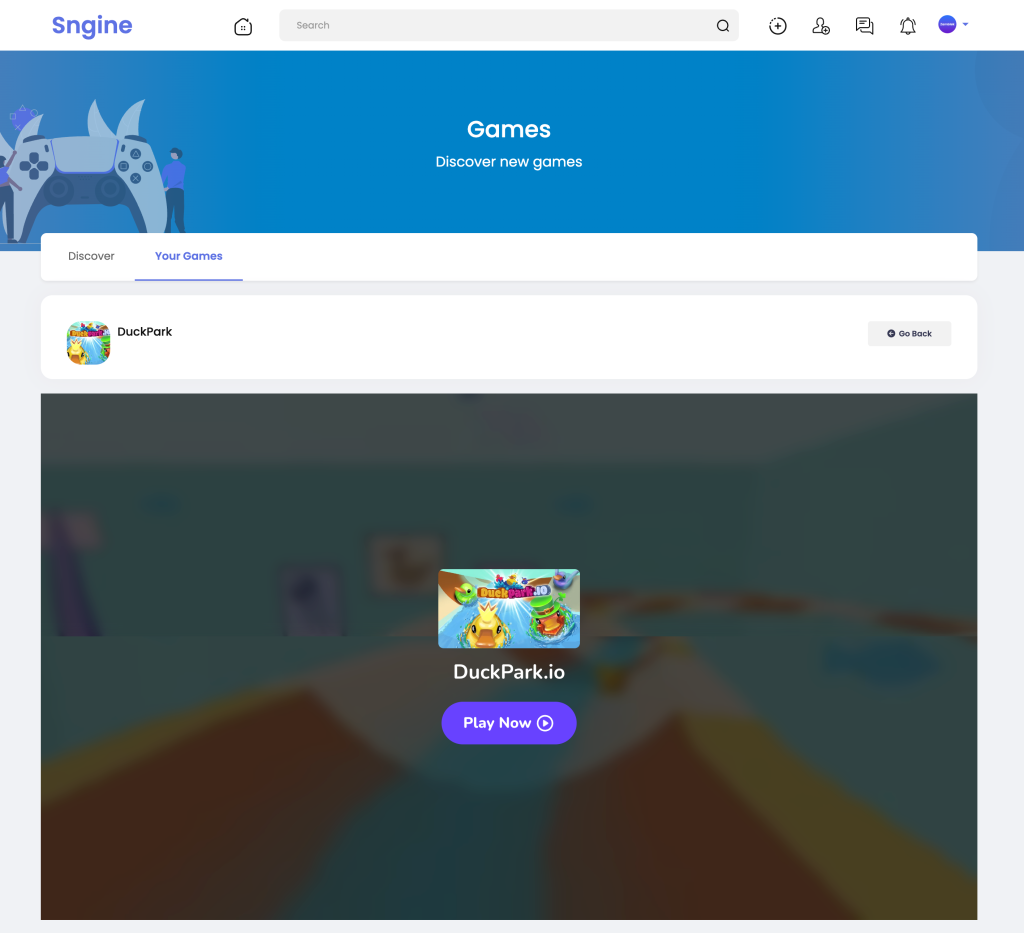
You can get the game source from any website, for example if you want to get the game source URL from https://www.crazygames.com/ you can use Embed and get the source URL
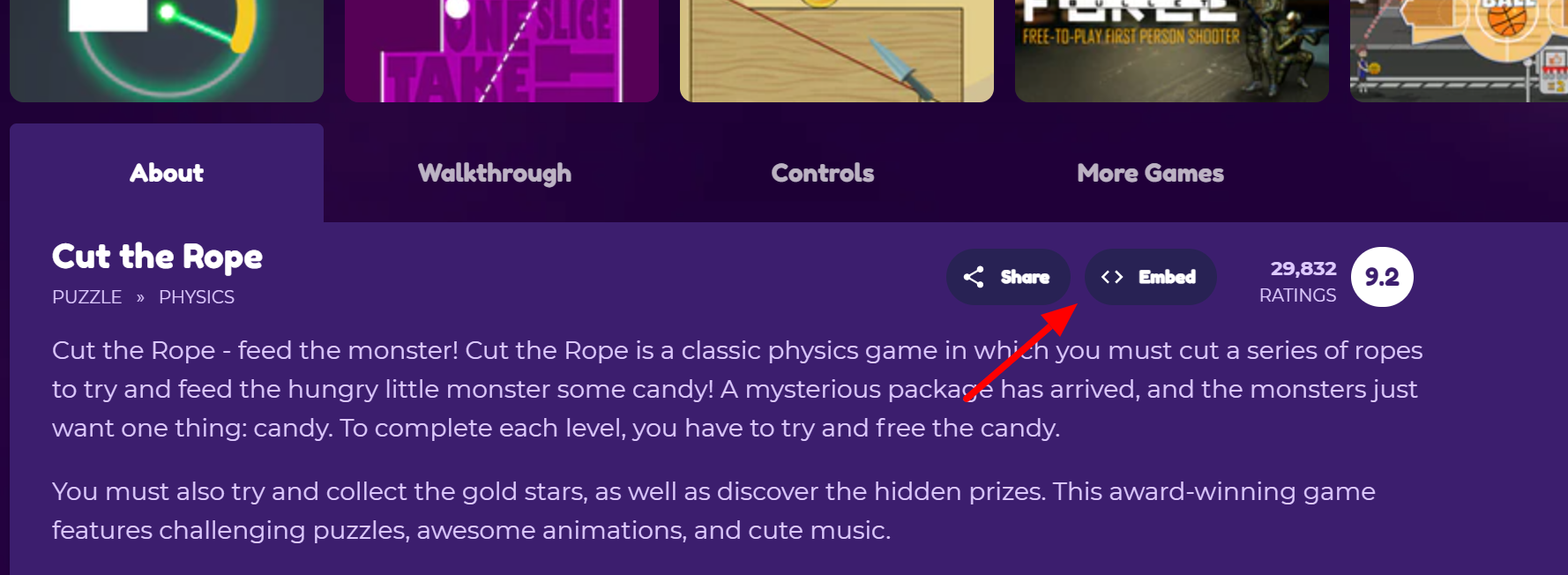
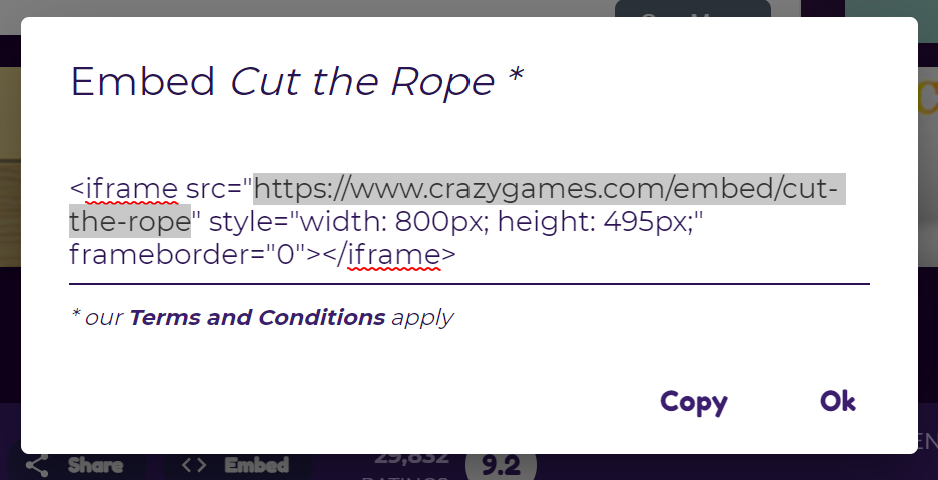
Just copy the the value of the src and that’s it.
You can even upload your own games to the server and put the link of the game as a Game Source URL and will work fine too.
That’s it.
Happy Sngine 🙂
Buy Sngine or Extend your support: https://bit.ly/BuySngine
Ähnliche Beiträge
Erste Schritte, Tipps und Tutorials
How Sngine Helps Combat Spam
 Zamblek
3 Min. Lesezeit
Erste Schritte, Tipps und Tutorials
How To Set CORS Policy For Google Cloud Bucket?
Zamblek
1 Min. Lesezeit
Erste Schritte, Tipps und Tutorials
New Google Playstore’s 12 Testers Policy for Production Release
Zamblek
1 Min. Lesezeit